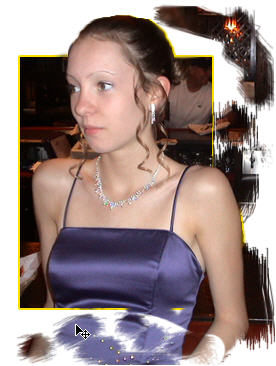
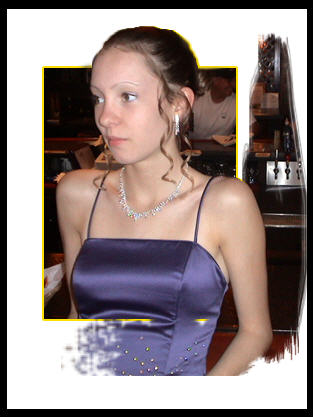
Here is something else that's kinda cool. You can use the history brush to repaint what you thought that you had lost.
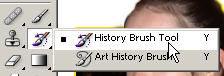
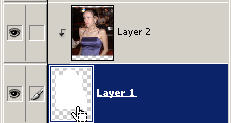
Using the history brush (you can also choose your brush size, etc.) you can bring back original pixel data. Try doing this (once again on the base layer of the clipping group). Notice how it brings back your original clipped layer.
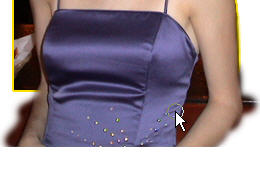
Now you can have portions protruding from the frame
box and also have pixel data brought back to life. This was just
done in this tutorial to show you both of these methods. Very handy
dandy...
Try this technique out and use it to create an object (like a
person, pet, seahorse) sticking out of a frame. The brushes are
kinda sloppy here but you should understand the principle. It
should also help you understand more of how you can use Photoshop in
your designs.
If you think you know it all and want me to prove you wrong, check this out.