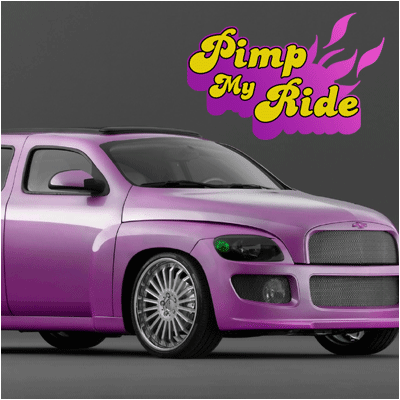
Every youngster knows the creative program Pimp my Ride on MTV...
First create a new layer with the text PIMP MY RIDE using the font Banana Split
Add these layer-styles to it
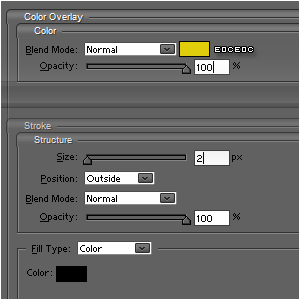
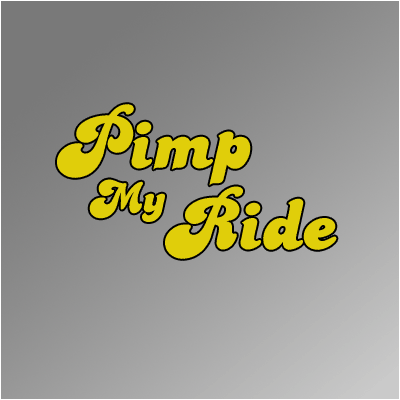
CTRL+Rightclick the Thumbnail in the layer-palette to select the text
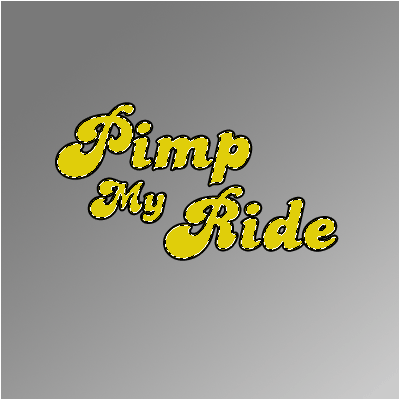
Go to SELECT>MODIFY>EXPAND and choose 4 pixels; (Note: always choose double the size your stroke was!)
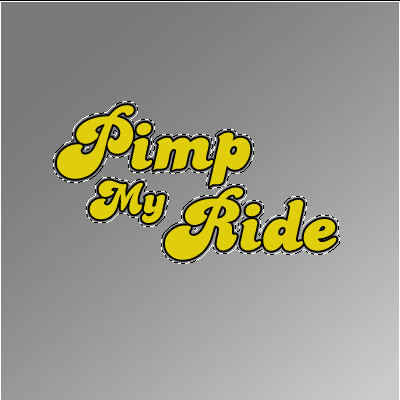
Fill it with white and place it underneath the other layers
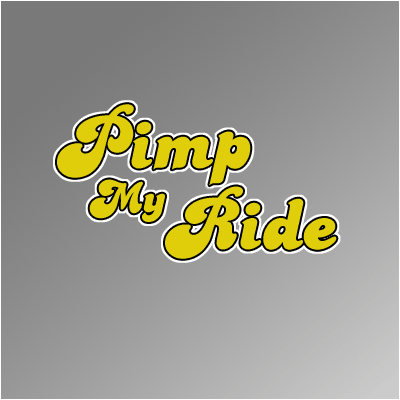
Select the move-tool and while holding ALT, press down many times
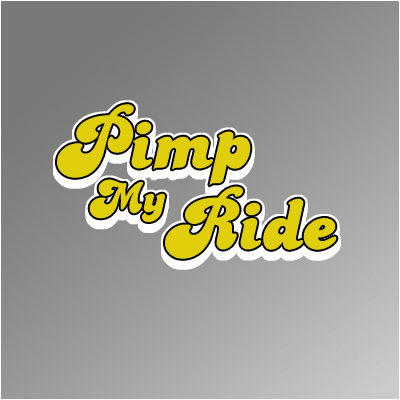
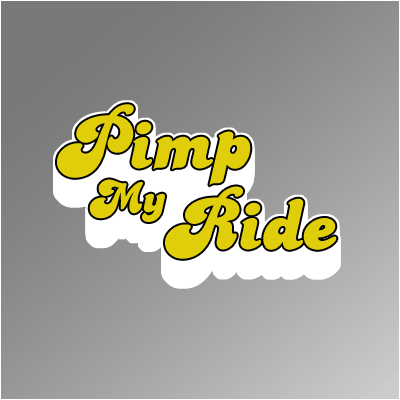
You may want to brush some spaces gone ;)
Now, by using the Orb and the basic grass-shape, create, by rotating them, this kind of figure
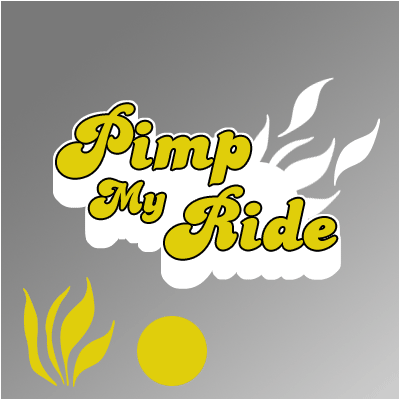
Combine all the white pieces and fill it with a gradient with the 2 colors shown in the image below;
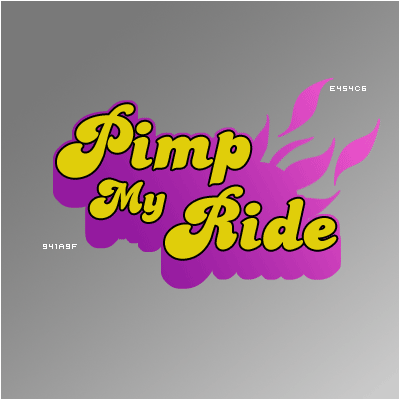
And there you have it ;)