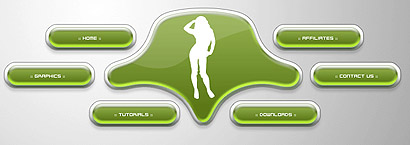
This is not your average tech-interface...
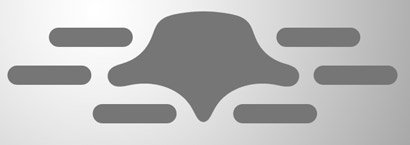
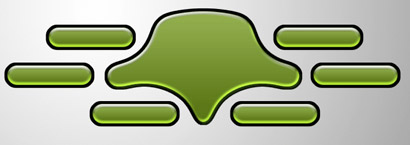
Create a document with, on a new layer, an orb
Cut on both sides some orbs out of it

Follow my Smooth Tutorial to get the desired shape

Get the Rounded Retangle-Tool and set the radius to 60 pixels
Create long shapes like below

Create a few around the shape;
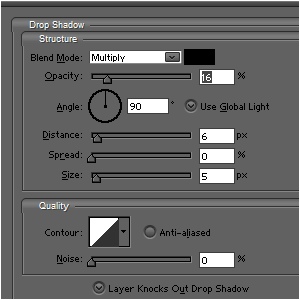
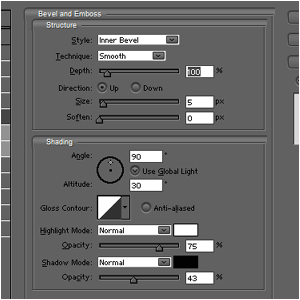
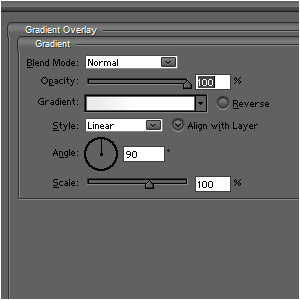
Give all these objects these blending-options;
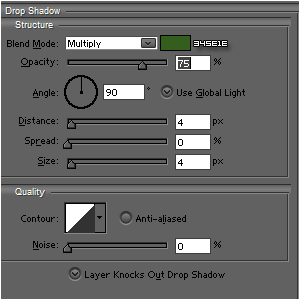
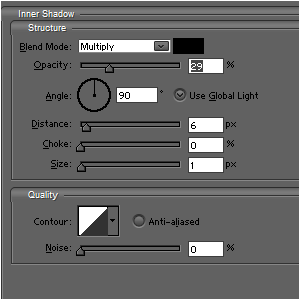
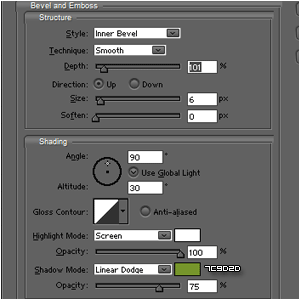
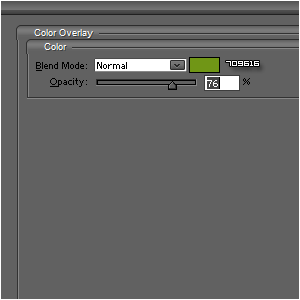
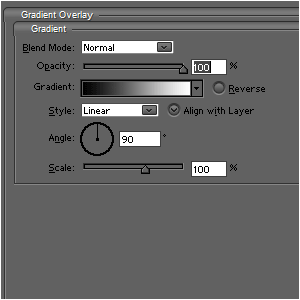
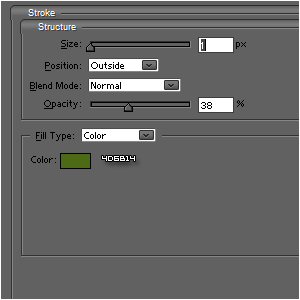
It should look like this (Note: if you want different colors, just use different shades of green)

Press CTRL and select all the layers;
Go to SELECT>MODIFY>EXPAND and expand it by 5 pixels;
Fill the selection with black and place that layer after pressing CTRL+D beneath the other layers;
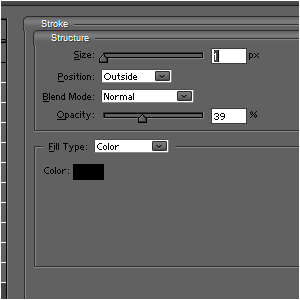
Give this layer these blending-options;
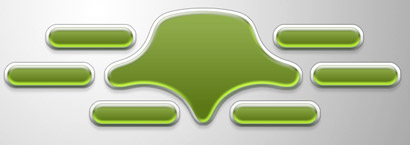
If you want you can also add a shine

And after adding your text, your interface is done and you can place it in your website: