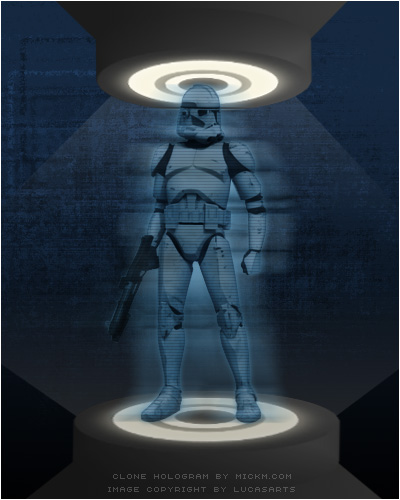
Recreate the communications-hologram from the STARWARS-movies...
Open up an image of a random person wich is totally visible. If not, resize the picture;
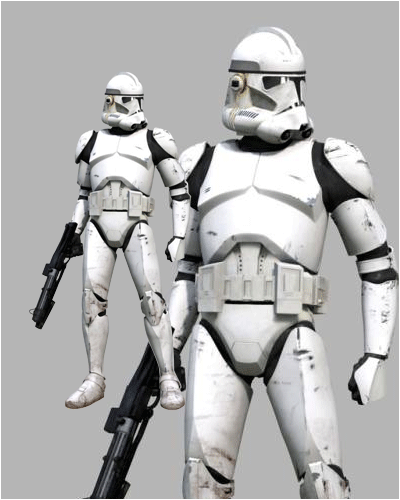
Cut it out by using the pen-tool or a different tool of your liking...
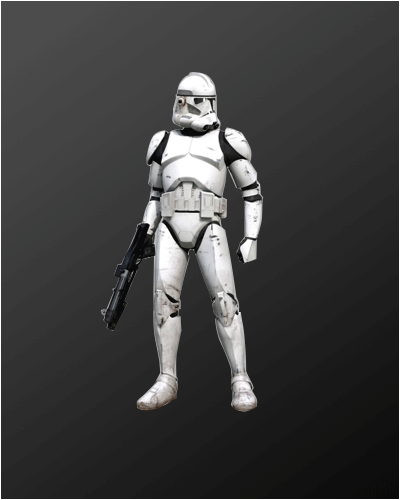
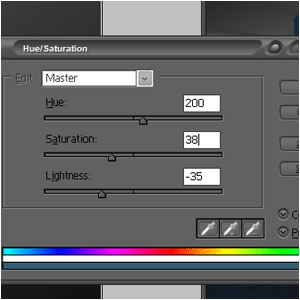
Press CTRL+U and change the settings;
Duplicate your layer 3 times so that you have 4 layers;
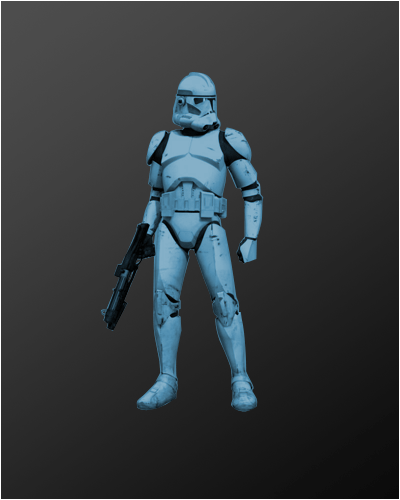
On the bottom-layer, add a FILTER>BLUR>GAUSSIAN BLUR of about 3-5 pixels;
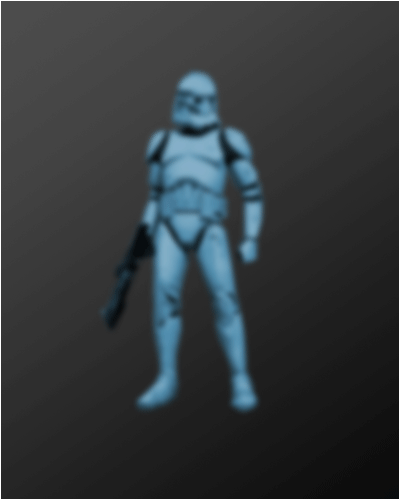
On the layer above the bottom-layer, add a FILTER>BLUR>MOTION BLUR of quite a bit depending on your image;
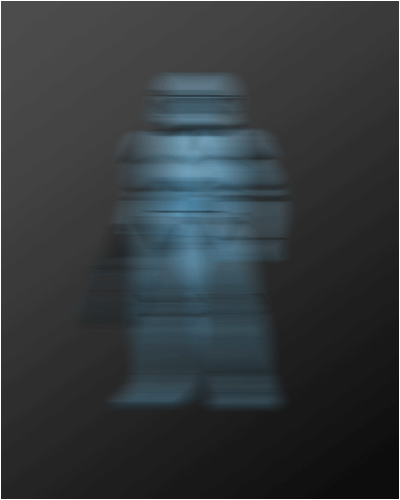
Leave the 3rd layer intact, but instead add a FILTER>ARTISTIC>NEON GLOW on the top layer;
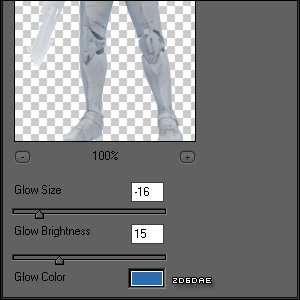
Then, lower the opacity of the un-modified 3rd layer to 34%
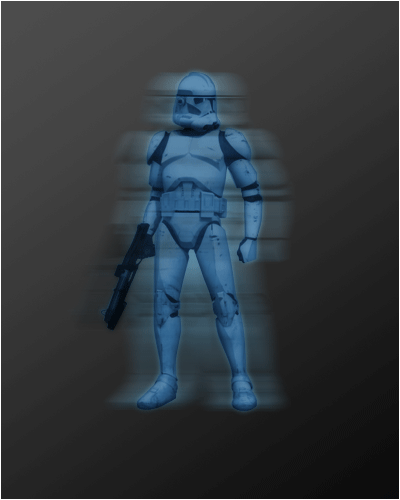
Hold CTRL and click the layer-icon on the palette wich will select the layer 3;
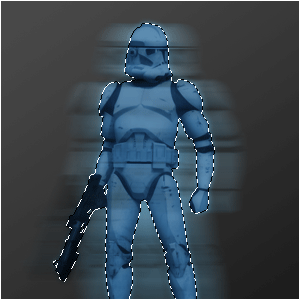
Then, EDIT>FILL the selection on a layer ON TOP of the rest with scanlines;
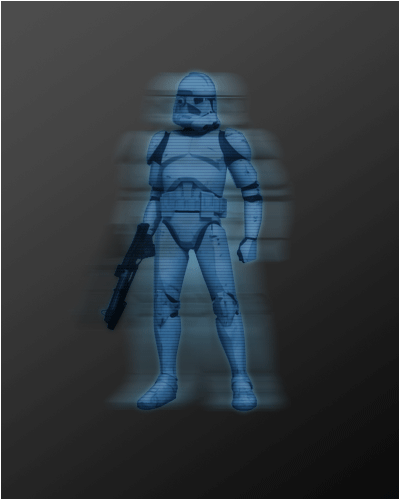
Set that layer to Overlay and lower the opacity to 15% and set the layer under that one to Multiply;