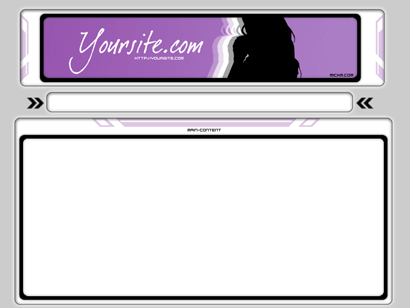
Make a Website-layout!
This tutorial will teach you how to create a website-layout, the MickM-way!
Is this tutorial too hard, but you want to have the layout? Download it here!
First start out with a document of 800x600. I always choose for 800x600, because there are still A LOT of people out there who have 800x600. It is better to make your site viewable for every user than for a select group.
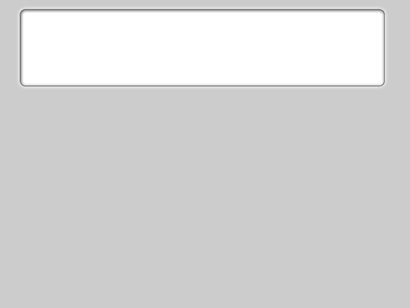
Fill it with the color #CCCCCC, and create a header-shape with the "Rounded Retangle-Tool";
Right-click and select "Make a selection";
Fill it with black;
Add these layer-styles to it;
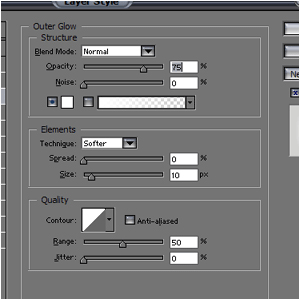
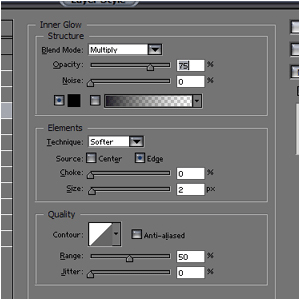
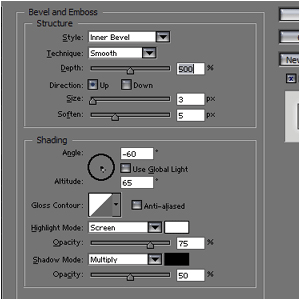
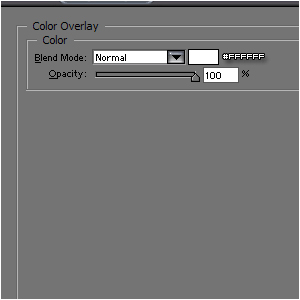
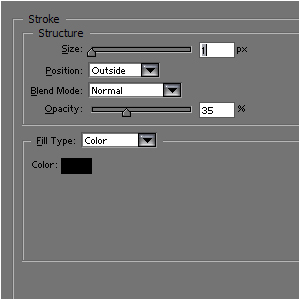
It should look like this;
Add some nice props to the header;
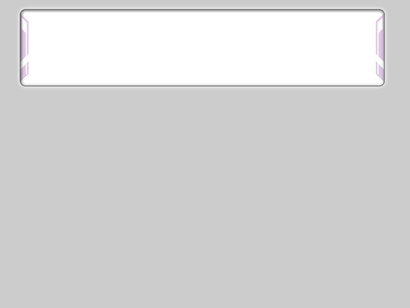
Create a smaller shape with the "Rounded Retangle-Tool";
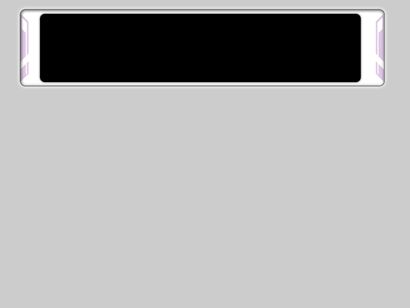
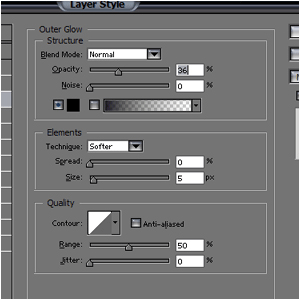
Give it this layer-style;
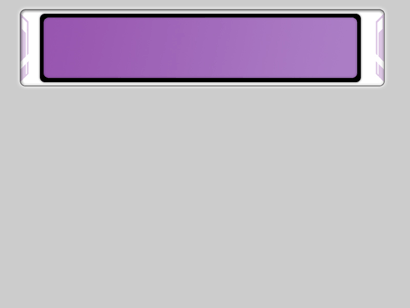
Create an even smaller rounded retangle and fill it with a gradient (I used a purple one);
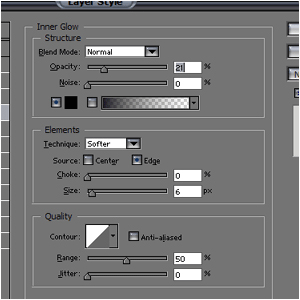
Add this style to it;
You can add some props to the actual header;
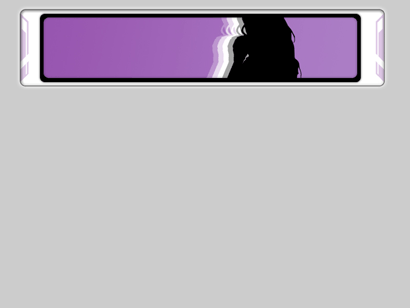
Create a rounded retangle beneath the header (NOTE: Make it small, but not too small - remember, you need to fill this with text later);
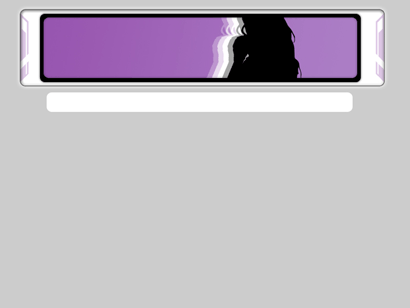
Give it the same layer-style as with the first retangle (NOTE: Just repeat those layer-styles on this retangle);
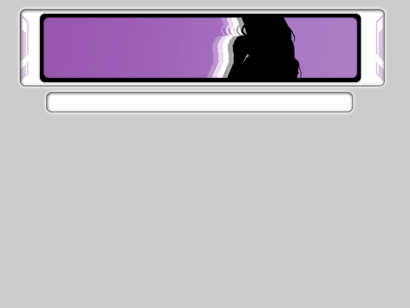
You can choose if you want to add some props to it, if you want...
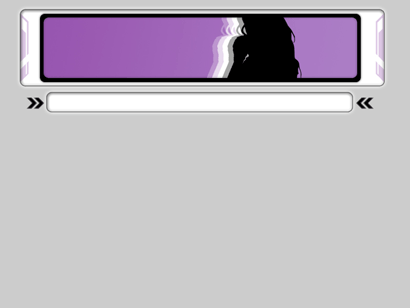
Now for the main-window, create a rounded retangle again at the same way as you did before. (NOTE: Make it big enough for a lot of text and images - I would choose a minimum of 300 pixels high);
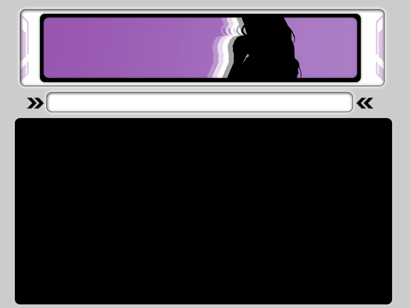
Add the same layer-styles to is as the first retangle (NOTE: Just repeat those layer-styles on this retangle);
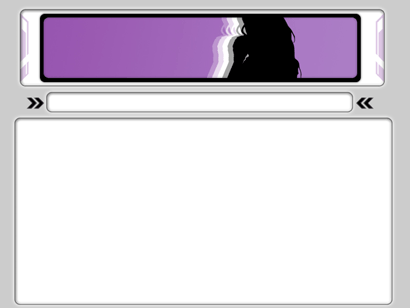
Again, add some nice lookin' props to it;
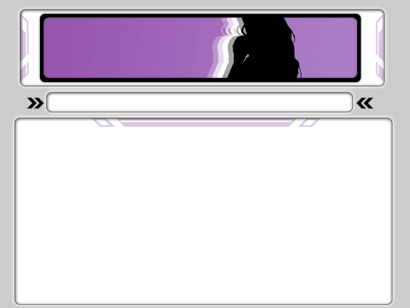
Then add a smaller black retangle inside the content-box;
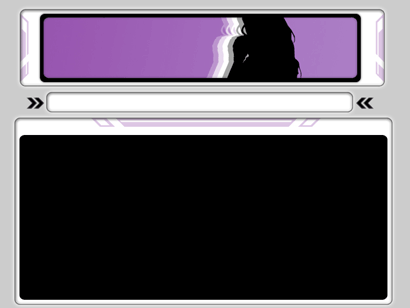
Give it this layer-style;
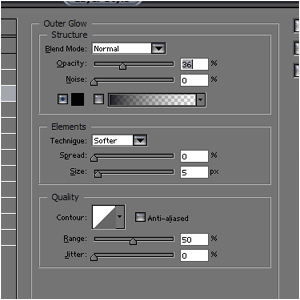
Again, add an even smaller white retangle to the black retangle (Can you still follow it? :P)
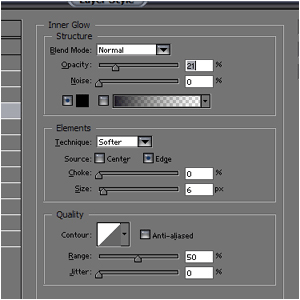
Give it this layer-style;
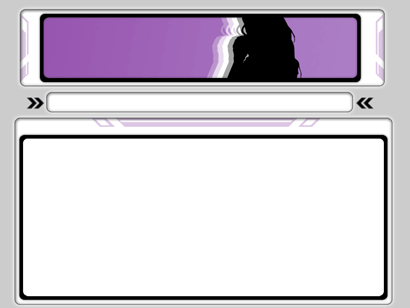
And you're done!
If you found this too hard but still want the template, download it here!