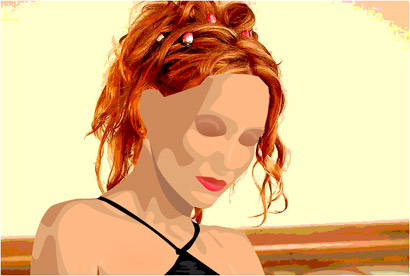
This tutorial will teach you how to make vectors like those nice and populair cell-shades!
Open up an image of a person where you can see the head and a little bit of the torso

Go to IMAGE>ADJUSTMENTS>POSTERIZE and choose the rigth amount of levels that will give you a result like mine
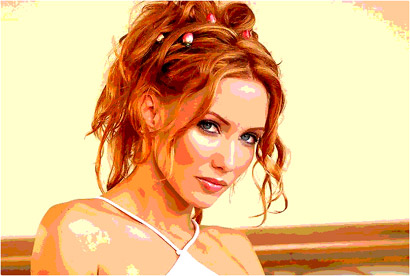
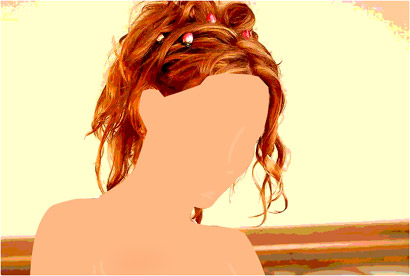
Then pick a medium skin-color and select all the skin with the pen-tool and fill it ON A NEW LAYER
Select a little darker color and do all the shadow on the torso
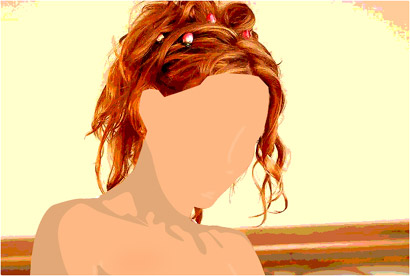
Then select a very dark skin-color and make the shadows complete (NOTE: YOU CAN DO ALL THIS BY LOOKING AT THE PREVIOUS LAYER - THE POSTERIZED ONE - SELECT THE AREA'S THERE)
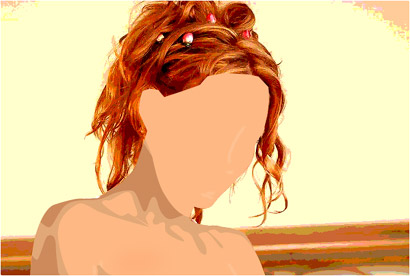
Now use a brown-pink color for the shadow under the chin
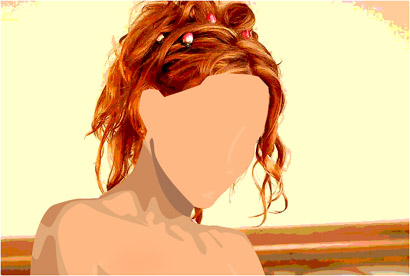
Choose the same light-shadow for the face
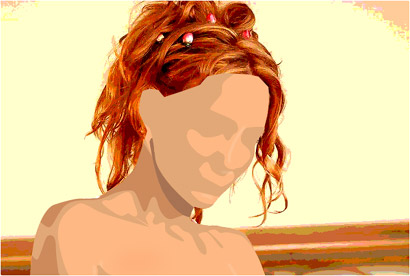
And do it exactly like the torso
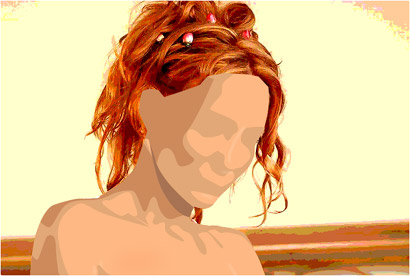
Now add some shadow around the eye and use the DODGE-TOOL to make little white lines above the eyes
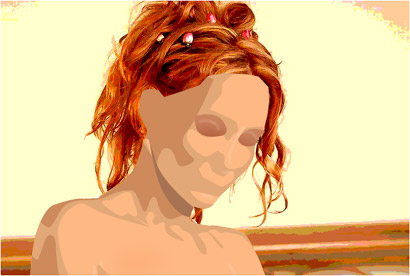
Do the clothes (Note: i just did a black dress to show you that you don't really need to do the same, just improvise)
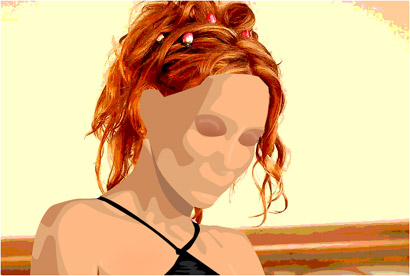
Start with the lower-lip and with a bright pink color
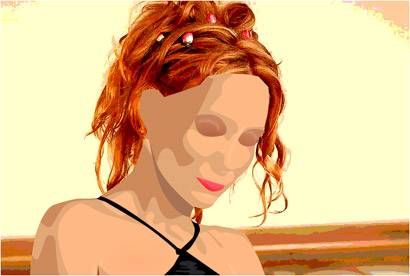
Use a deep-red color for the upper-lip and finish of with some strokes of the BURN-TOOL and the DODGE-TOOL