

Step 1:
We are here with another tutorial, in this lesson we will learn to create stars in the sky.
Let's start and open a new work document with 400 x 400 pixels. Size is not so important for this kind of effect.
Now let's fill the background with to Paint Bucket  with
white color: #ffffff.
with
white color: #ffffff.
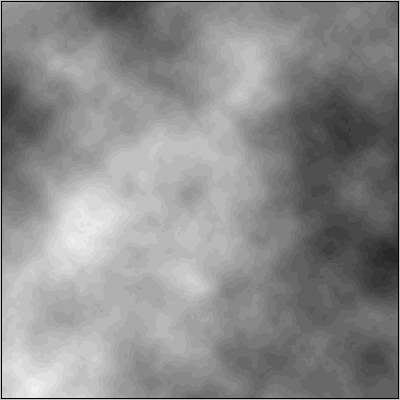
Now let's add this filter: Filter > Render > Difference Clouds.
This is an example of what should appear (Image 1).
Step 2:
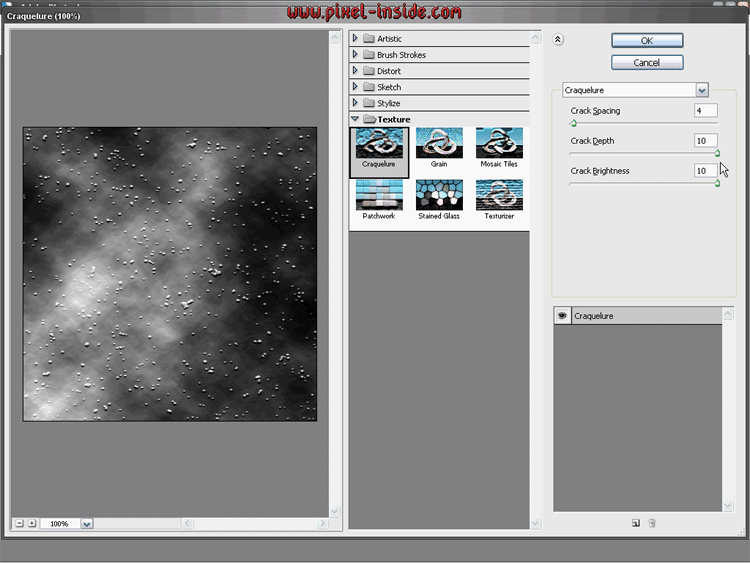
In this second step, we will add the final effect: go to Filter > Texture > Craquelure.
These are settings for this kind of filter:
Crack Spacing 4,
Crack Depth 10,
Crack Brightness 10.
Step 3:
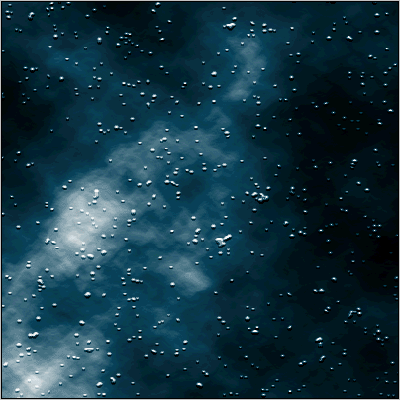
And now the final result has reached....
Have you some problem to see video tutorial? Download this CODEC: TSCC_codec.rar
Problem with download video tutorial? Right click, Save Target As...
