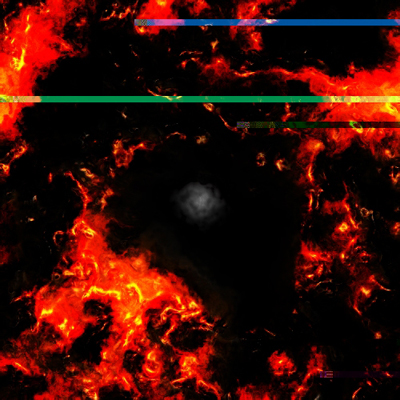
This tutorial will show you very easy techniques to achieve realistic hot lava effects
Step: 1
First open a new document 500x500, set your foreground color to #FF7E00 and your background color to #000000
Step: 2
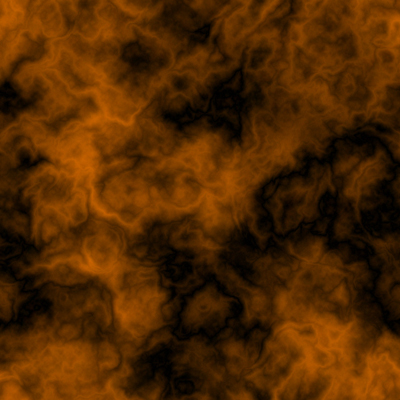
Now go to Filter>Render Clouds then go to Filter> Differences Clouds, Then press [Ctrl]+[F]
Step: 3
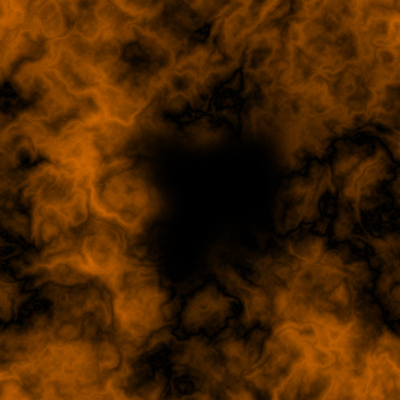
Repeat step 2 until you think it looks similar to mine ( it just has to have a lot of details) :
Step: 4
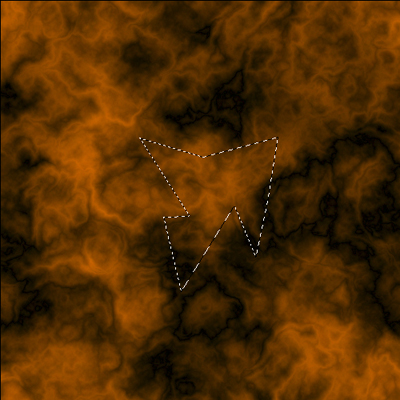
Now take the [Polygonal Lasso Tool] and make a selection in the middle like in this image
Step: 5
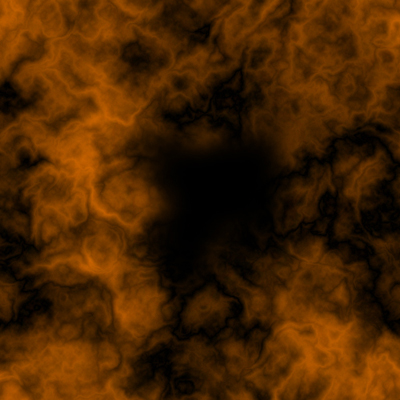
Create a new layer and fill the selected part with black, go to Filter>Blur>Gaussian Blur, do a Radius of 20.0 px
Step: 6
But that's not big enough so just do a free transform and stretch it out a bit
Step: 7
Press [Ctrl]+[Shift]+[E] to merge visible
Step: 8
Now duplicate the layer and go to Filter>Sketch> chrome you don't have to change the setting just press ok
Step: 9
Duplicate the layer again and go to Filter>Artistic>Plastic Wrap.
Step: 10
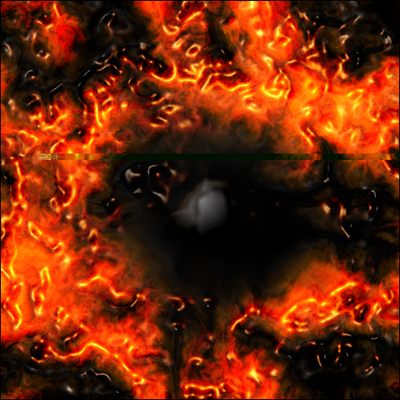
Now set the Chrome layer to "Overlay" and the "Plastic Wrap" layer to Linear Dodge
Step: 11
And that's it! here is what I have
Step: 12
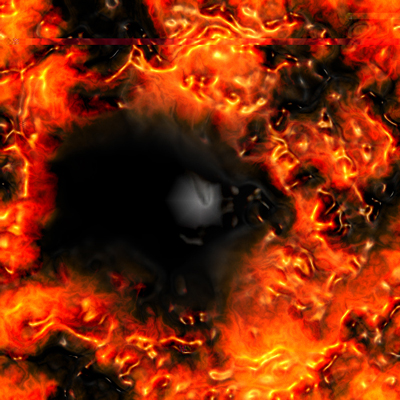
Here is another one
Step: 13
You can make it look like fire by just pressing [Ctrl]+[Shift]+[E]
Step: 14
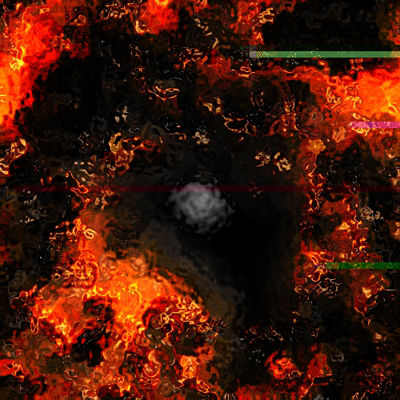
Then go to Filter>Distort>Ocean Ripple ,Press Ok
Step: 15
I think it looks like an underwater explosion. Wouldn't you agree?
Step: 16
Select all and press [Ctrl]+[C]
Step: 17
Now Press [Ctrl]+[Shift]+[Z] two times
Step: 18
Press [Ctrl]+[V] to paste the "Ocean Rippled" layer, change the new layers Blanding Option to Overlay and here is what you get
Step: 19
The final product should look something like a heat core