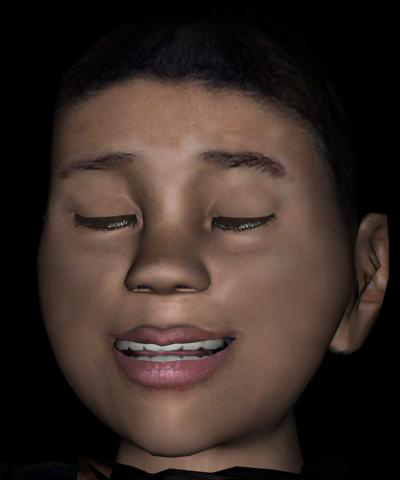
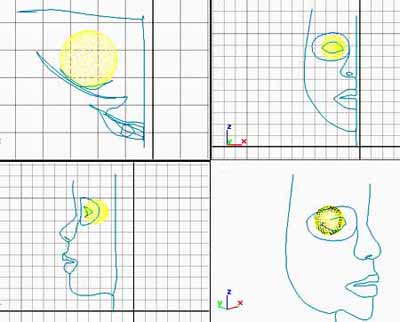
Start by tracing your outlines with the Spline tool in the FRONT view.
Then go in the left view and move vertices around to get a 3 dimensional basic outline.
Use Shapes (like a sphere for the eye) to help you follow a curve.
This step only can take you a LONG while if you want to do it right.
Once you have the basic outline, follow the contours of the eyes and mouth to fill; the empty spaces (follow the muscles, radial from the mouth if you want to animate your mouth later on)
There's no perfect way for a spline, try to keep it simple and make sure you only have 3 or 4 vertices per face, to use Surface Modifier.

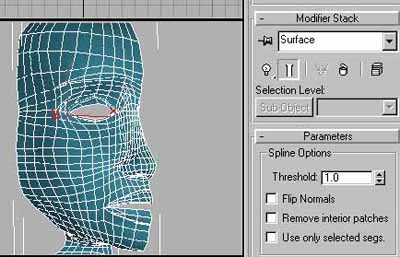
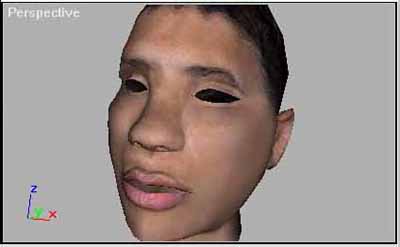
Once you have the surface created you can apply your texture.
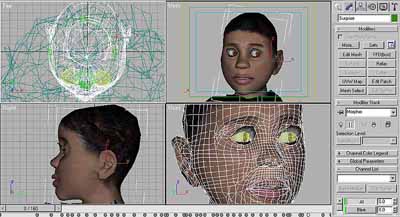
Click to enlarge
Then the spline work can be converted into a mesh
Using the Morpher modifier you can create several key poses and use them in your
animation