

In this tutorial you will be able to create a wireless mouse in Adobe Photoshop.
1. Create a new document 300
x 300 with white background and black foreground.
2. Select the elliptical marquee tool and make a shape as shown below. Make
sure that you save it as a layer and don't forget to fill its with the same color as mine.
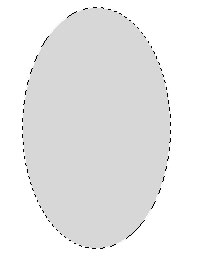
3. Now go to Layer -> Layer style set these settings:
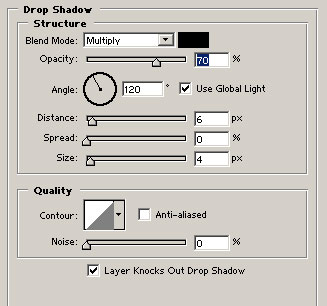
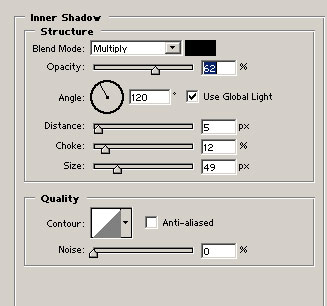
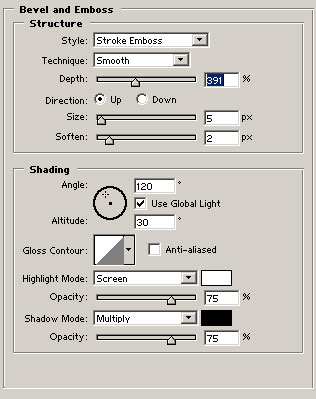
4. Now you should have something like mine.
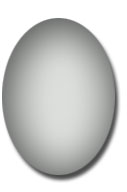
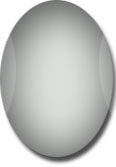
5. Now we have to add the sides. Select the elliptical marquee tool, make selection, fill it. Then change the opacity to 16% for both layers. Now your mouse should look something like this:
6. Now we're going to add the buttons. Select
the rectangular marquee tool, make selection with the height as small as you can and fill it. Then make
another layer, make selection, place it to the middle fill it and change the opacity for all them to 10.
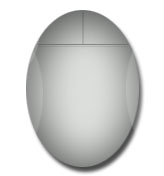
The end.
You can download the psd for this tutorial here.
