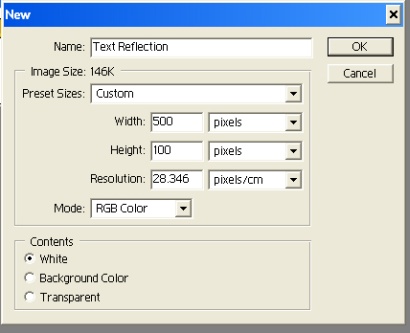
1. Create new document:
2. Select Type tool and type your text. Then select your text layer and duplicate it (Ctrl+J). Then go to Edit > Transform > Flip Vertical. Select Move tool, then holding shift and move the layer with reflected text down until the top will be below the original layer.

3. Set opacity to the layer with reflected text 50%.