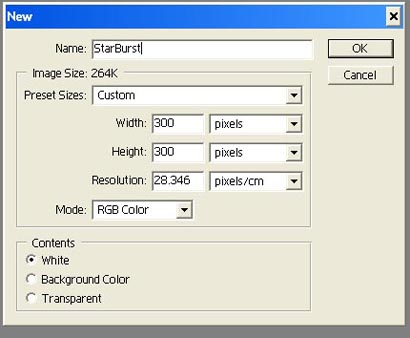
Open a new 300x300 document with transparent background. Make your foreground color black and background white as shown below.

1.
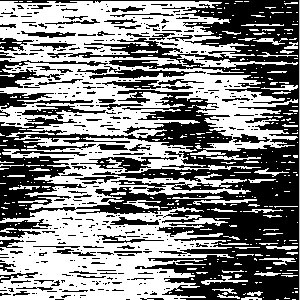
Go to Filter > Render > Clouds. Then go to Filter > Pixelate > Mezzotint and choose meduim strokes.
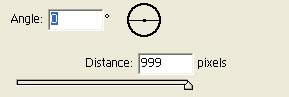
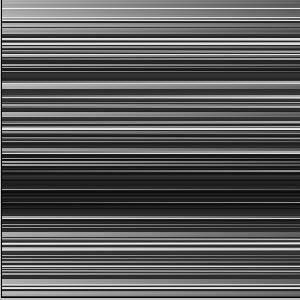
2. Go to Filter > Blur > Motion Blur. Set angle 0 and the distance
999.
3.
Go to Edit > Transform > Rotate 90 CW. Then go to Filter > Distort > Polar Coordinates.
Choose Rectangular to Polar.
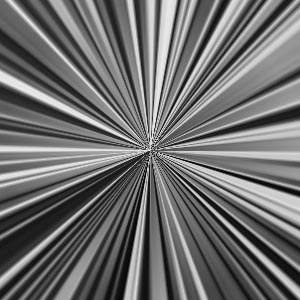
Her
Light Burst
Added:Nov 14, 2005 Rating:


 Level: Beginner Software:
Photoshop
Level: Beginner Software:
Photoshop
Level: Beginner Software:
Photoshop
