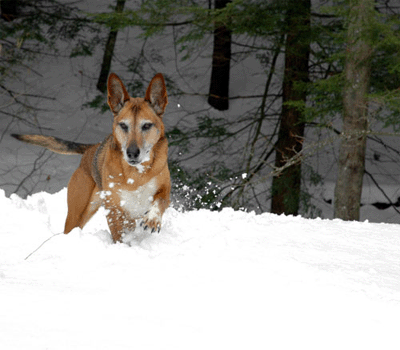
Open the image in Photoshop:
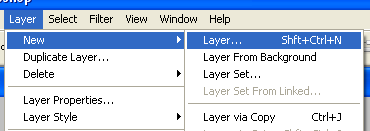
Create new layer (Layer > New > Layer):
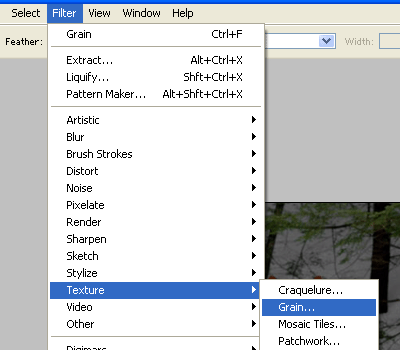
Then click on Filter > Texture > Grain :
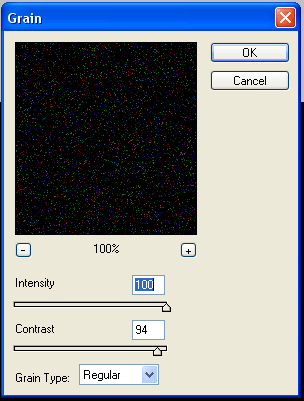
and use these options:
Click on the Magic Eraser tool and then click on the black background to clear it:
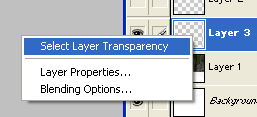
Right click on the layer and select "Select Layer Transparency":
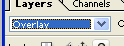
Set the Blending Mode to Overlay:
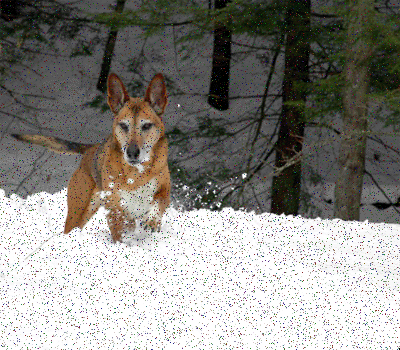
And here is the final result: