


After reading this tutorial you will be able to create twirling wind effect in Adobe Photoshop.
Create a new document and press D to reset to default colors. Select the Gradient tool and set ''Blending Mode'' to difference. Now make a lot of gradients creating new layer each time (Ctrl+Shift+N).

You may get different variants. I got this:
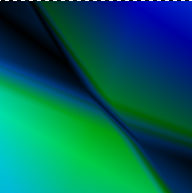
Select any color and then go to Image > Adjustments > Hue/Satuation (Ctrl + U), set it. Duplicate the layer and activate it. Now Filter > Distort > Twirl (set 300). Go to the other layer and do the same.
Repeat thils step few times changing Twirl parameter from 300 to -300.
Final Result:
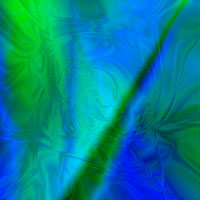
Note: your final result will be exactly another and unique.
