


Step 1: Select a Gardient tool  and
then press a Reflected Gradient button:
and
then press a Reflected Gradient button:

Step 2: Then make a gradient of your choice:

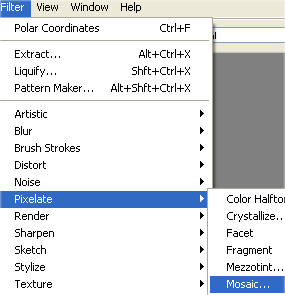
Step 3: Go to Filter > Pixelate > Mosaic:
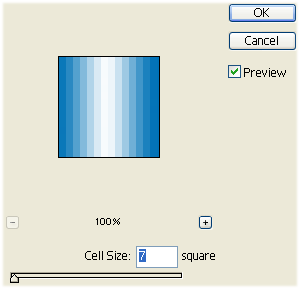
Step 4: Then set these options:
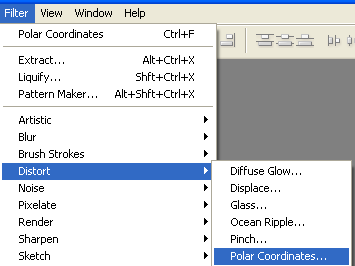
Step 5: Go to Filter > Distort > Polar Coordinates:
Step 6: Set these options:
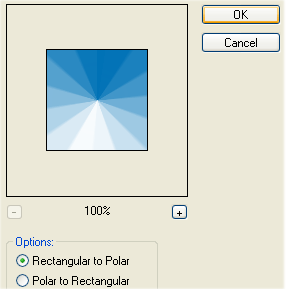
Step 7: Now it should look like this:

Your Starburst is finished.
