Step 1: Write a simple text:

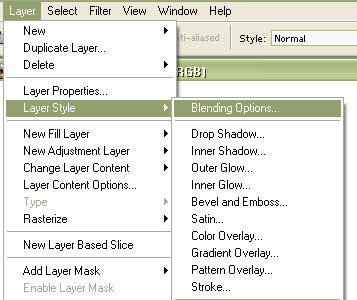
Step 2: Select Layer > Layer Style > Blending Options:
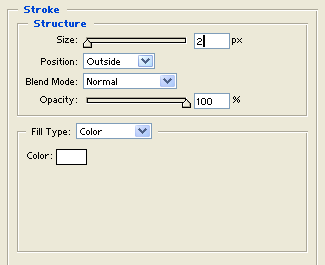
Step 3: Select Stroke with these options:
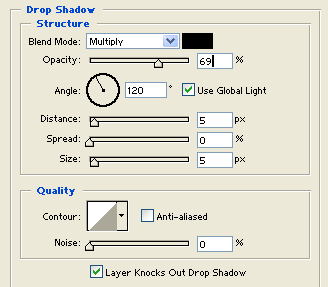
Step 4: Select Drop Shadow with these options:
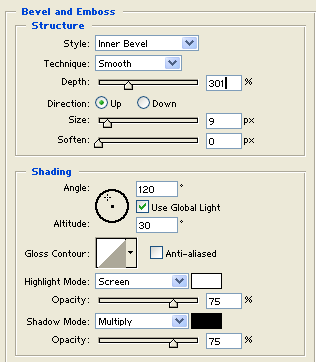
Step 5: Select Bevel and Emboss with these options:
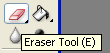
Step 6: Select the Eraser Tool:
Step 7: Right-click on your text and set these options:
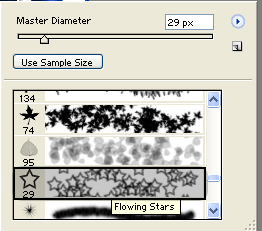
Step 8: Now make several clicks on your text:

Now it should look like this: