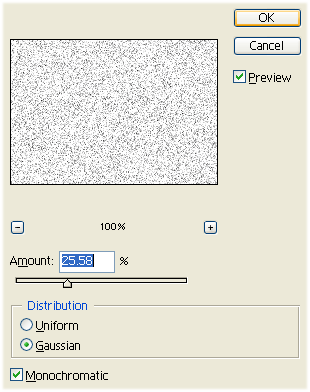
Step 1: Create a new document and select Filter > Noise > Add Noise with these options:
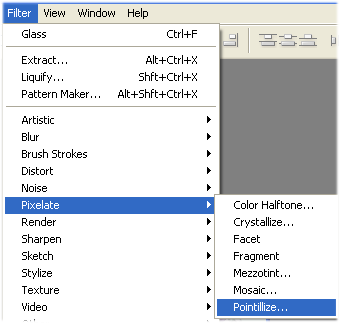
Step 2: Go to Filter > Pixelate > Pointillize:
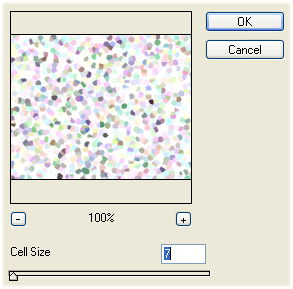
Step 3: Set these options:
Step 4: Select Filter > Texture > Stained Glass and play with settings:
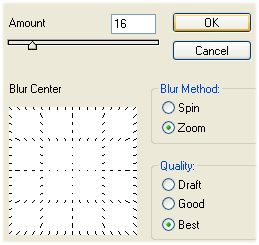
Step 5: Select Filter > Blur > Radial Blur and set these options:
Step 6: Select Filter > Distort > Glass and set these options:
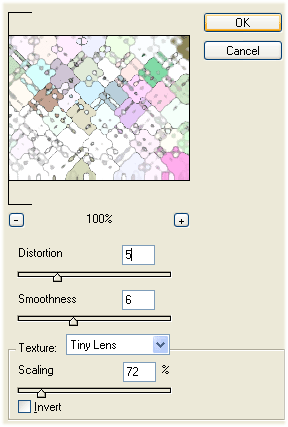
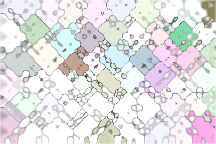
Step 7: Now it should look like this: