

Candles are an essential part of Christmas. Millions of them are lit every year on December 25 all the world. Generally, a candle poses fire danger, but fortunately, ours won't. So, let us start.
First of all, we need to create a new document. The size doesn't make a big difference. I think 600x600 px will be more than enough for our purposes. Let's fill the background with black, and the canvas is ready for our fine art.
Candle Drawing
A typical candle consists of wax, flame and wick. There is a huge variety of candle styles and forms, but we'll stick to the simple traditional one.
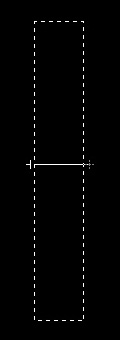
Create a new layer for your candle. Select an area in the center about 300x50px in size and choose Gradient tool. Edit the gradient with the following settings:
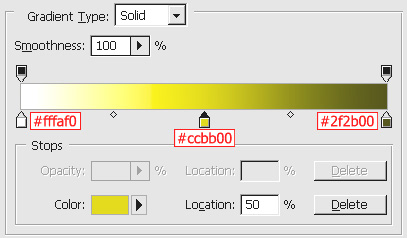
Fill the area, which was selected earlier with the gradient, and then deselect it.
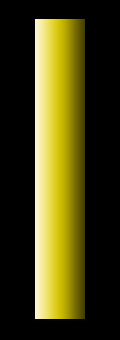
Now let's draw the melted upper part of the candle.
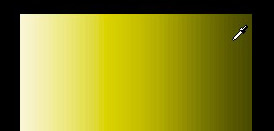
Using the Eyedropper tool, set the color similar to the one in the darker part of the gradient. I chose #595100.
Select the Brush tool with these settings:
Brush: 3
Flow: 70%
And draw a semblance of an oval:
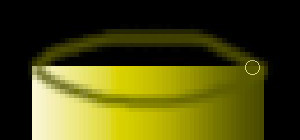
Now we shall correct our dirty work with the help of Smudge tool.
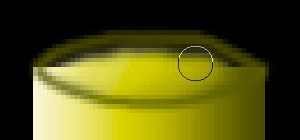
Settings for Smudge tool:
Brush: 10
Strength: 50%
Let's continue smudging:
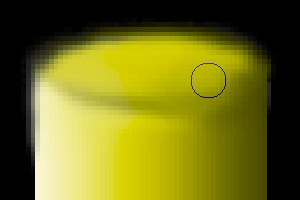
Now to render the candle more realistic, we'll design a drop of wax hardened in its flow down the candle.
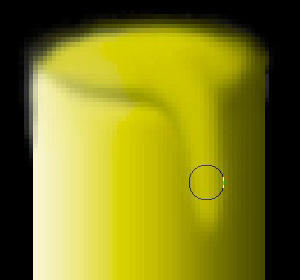
Smudging the image gradually we get the drop.
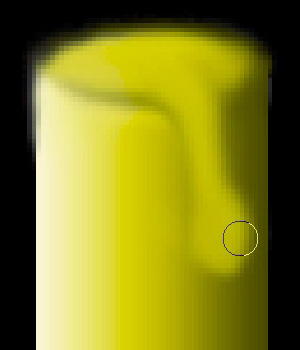
Finishing the upper edge and the drop:
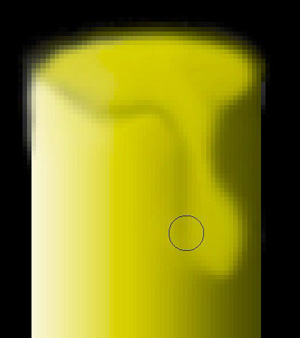
Next, we need to add a lighter spot into the upper part of the candle. We'll use the Brush tool for that with the following settings:
Brush: 3
Flow: 70%
Changing the color to white, draw a short line the way it's demonstrated in the picture:
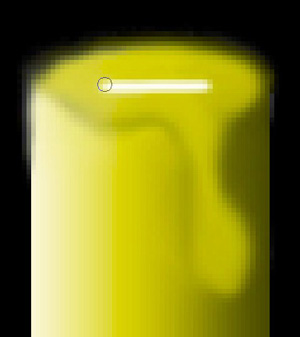
And smudging again:
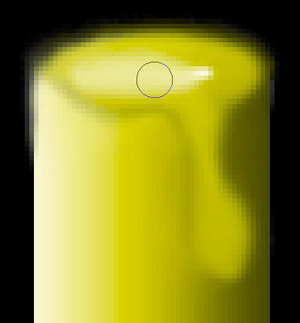
The same algorithm, if you will, goes for making the wax drop lighter.
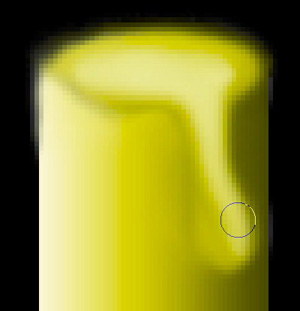
Then you should select Brush tool and keeping the earlier settings add a tiny trace of light to the drop:
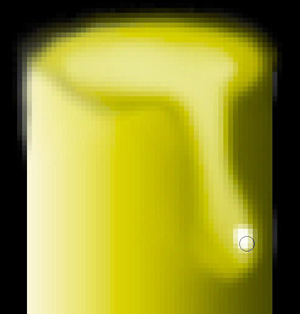
Once more we select the Smudge tool to smudge this spark:
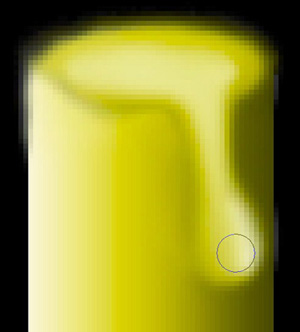
Now let's proceed to drawing the flame.
