


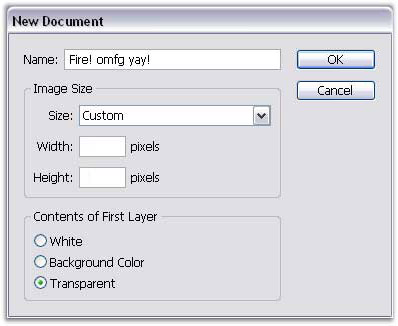
1. open a new document
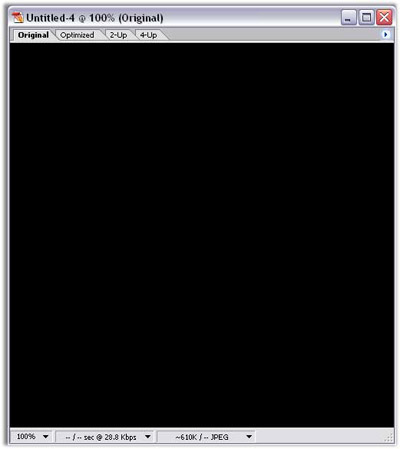
2. fill it w/ black
3.make new layer
4.fill it w/ 646464 and put the opacity to 74%
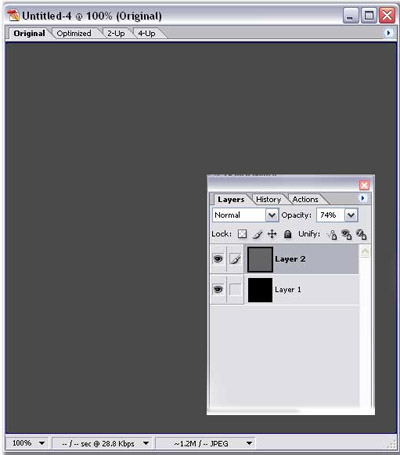
Click to enlarge
5.add a 50-300mm lens flare wherever u want the flame on ur new layer
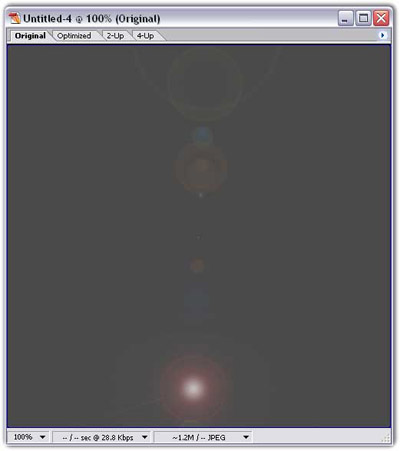
Click to enlarge
6.go into liquify
7.30 brush size, 100, 100
8. just fool around w/ it 'till ur satisfied
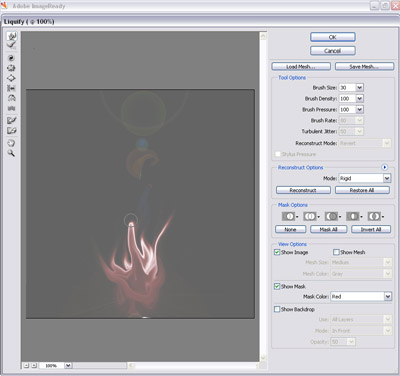
Click to enlarge
9.set the layer to hard light or linear light
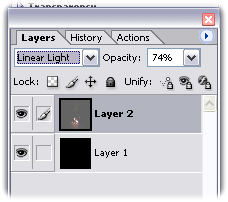
10.erase the dots at the top
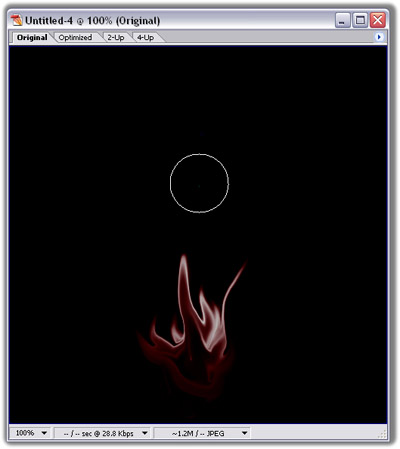
Click to enlarge
11.set the opacity to 100%
12. merge layers
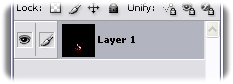
13.ur done!
end result(results may vary)
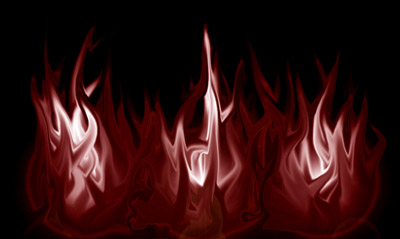
Click to enlarge
