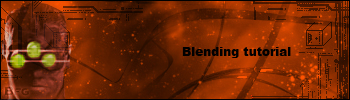
1 First take a signature what you already maded (with out a render )
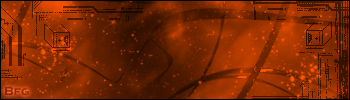
2 Take a render i will take this render :
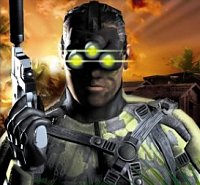
3 Cut off the render till you only have the person (you may not see white!)
4 Past the cutted render on you're signature then: desurate the render with, control-shift-u
5 Now select the Lasso tool
6 Set the feather on 20-30,then make a selection around the image
7 Then click on the button add layer mask, then it will be blended
8 Then do control-u check colorize on! and choose a color that look a bit on the color of the signature
This is what I have now
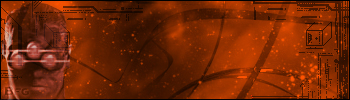
Ofcourse it can be whole better!! but this is a tutorial,and i not have much time but now you will have an idea
PS: you can also add text and spice the light of the helmet back up and you can add a border)
PS2: you can do much better , but i dont have much time and orange,blending and splinter cell dont fit toget so much,but this just to get an idea
I hope you have learnd something from this!
here is my final picture :