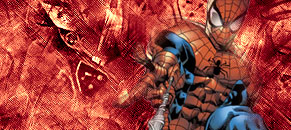
First, start simple. Make a dackground. And cut your render. Place the rander in the background. I choose spiderman for this.
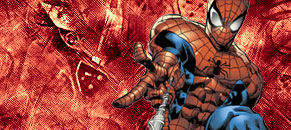
Take the lasso tool and make a selection at the tip of his shoulder. Right click once selected and click feather. put it at 10 - 20 px what ever fits you. Once it's feathered. Go up to edit and click clear.
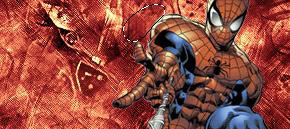
Now random selection around the render so you get a nice blend.
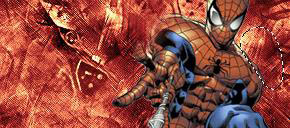
I blended all the sides of the render and this ai my final result: