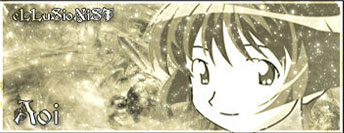
Choose your background
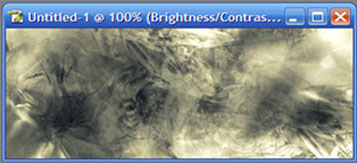
Make a new layer for the fairy dust and download one of these brushes smile.
Brushes 1: deviantart.com/deviation/13066225
Brushes 2: deviantart.com/deviation/12701368
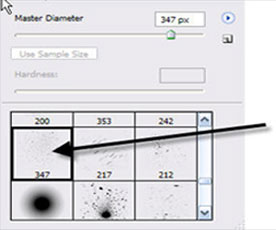
Choose this brush from the set of brush that I am going to upload for you:
Brush some of it on the sig as shown:
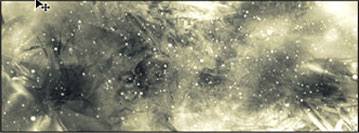
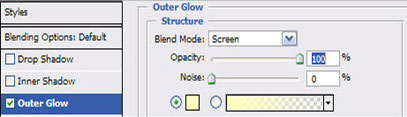
Now go on the layer that you brushed the fairy dust with...and then go to blending options and put these settings:
Here you go use any render you want and border and you are good to go. Hope you like it.