


Here is the final thing:
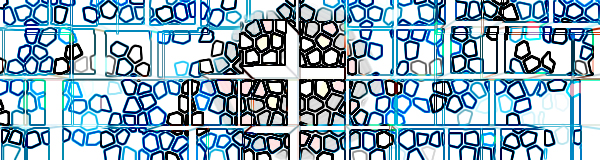
Click to enlarge
or
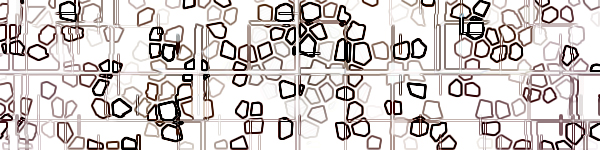
Click to enlarge
Steps:
1. Open a new file, any size.
2.Copy and paste a picture into the picture you made.
3. Click Filter>Texture>Stained Glass then mess with the settings.
4. Click Filter>Stylize>Extrude.
5. Click Filter>Stylize>Extrude but this time change the depth and size.
6. Click Filter>Stylize>Find Edges.
And your done, hope you like it.
