


Create a new document about 500 px by 500 px and fill the background with black. Go Filter>Render>Lens Flare and use the 50-300mm zoom flare. use this a few times scattered over the background.

Click to enlarge
Next is easy. Go Filter>Sketch>Chrome. Use the default settings detail 4 and smoothness 7.
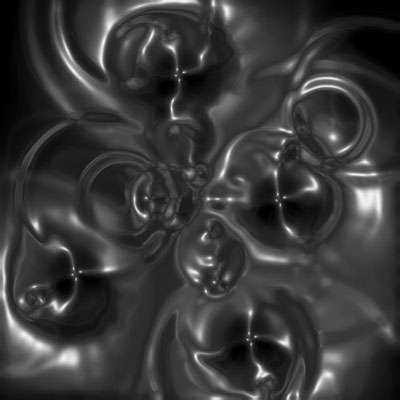
Click to enlarge
Next Ctrl+U to access the Hue/Saturation. Click the colorize button and with a saturation level of 70, choose whatever color u like. I've chosen a blue (250). Next go filter and liquify. Make sure the Warp tool is selected. Then Warp the lightest areas and move them around to customize your background. Don't go overboard ... your image should look slightly like mine:
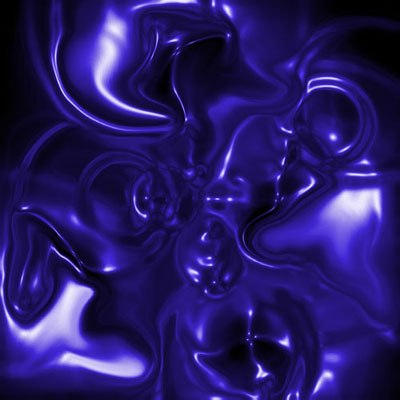
Click to enlarge
That's all.
