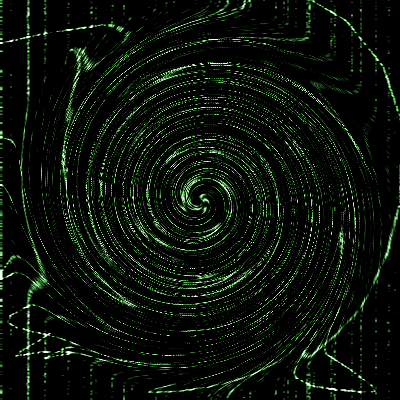
Step 1 Okay you are going to make a this picture or something close to it in this tutorial. First make a new document any size.
Step 2 Use the paint bucket to make the background all black.
Step 3Take out the brush with a one pixel point and white color and go crazy on the image. Go crazy! You should have something like this.
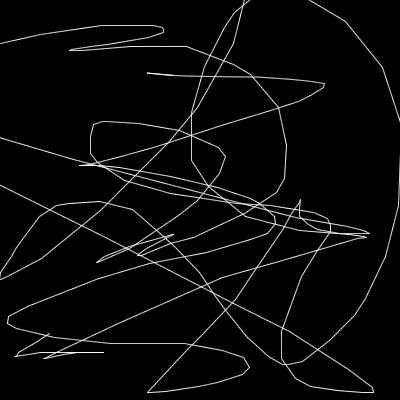
Step 4 Now go to Filter-Sharpen-Sharpen Edges and hit CTRL-F a few times until it looks good to you.
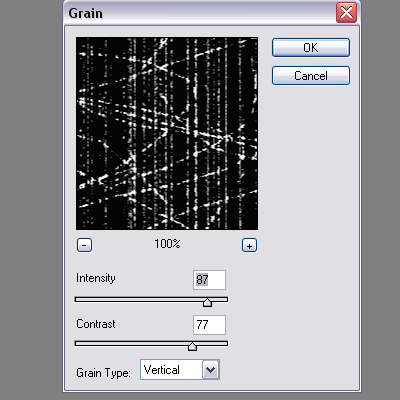
Step 5 Now go to Filter-Texture-Grain and use these settings.
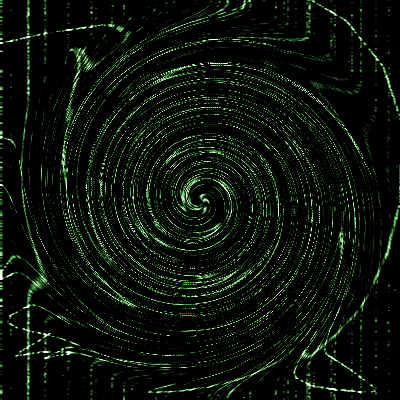
Step 6 After that go to Filter-Distort-Twirl and use an angle of -999.
Step 7 Hit Ctrl-U on your keyboard and mess around with the settings until it fits you.
Step 8 Now you are done and you should have something close to this.