


As they say, easy does it so this is a very easy tweasy tutorial, but the effect that comes out is quite nice. This is what we can get at the end:

Click to enlarge
Create a new 500x500 white page.
Filter>Render>Clouds

Click to enlarge
Go to Filter>Render>Lightning Effects. Use a setting of 24 or near there. Dont use things like 100 or 1, the effect wont come out, use omni.
Apply a few times using Ctrl-F.
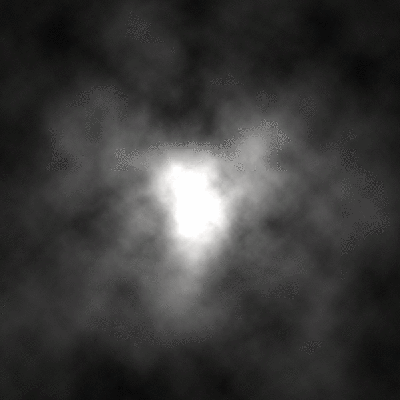
Click to enlarge
Then, you are finshed, although you can have a few more additions, such as:
A lens flare:
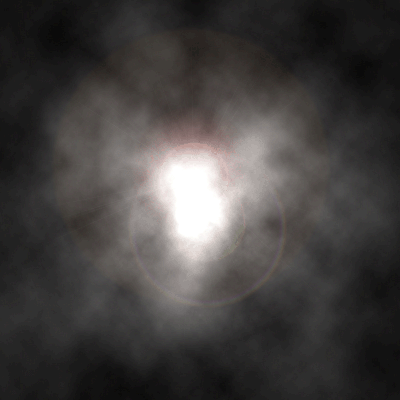
Click to enlarge
Make it into a sig:
Click to enlarge
Personally feel that it would make a good webpage background.
