


Learn to create a water ripple in photoshop
Step 1: Start a new document of size 400x400 pix. Select Foreground(#54B6E9) and background(#005E8F).

Use the brush tool and select this brush and give some random strokes on the canvas.
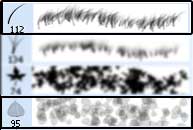
Like this
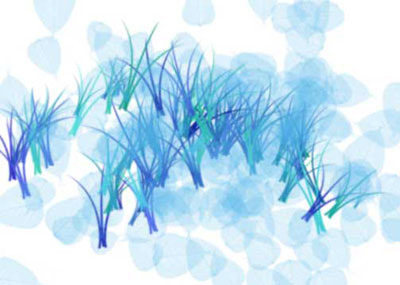
Click to enlarge
Step 2: Now go to Filter>Blur>Radial Blur and use the following settings
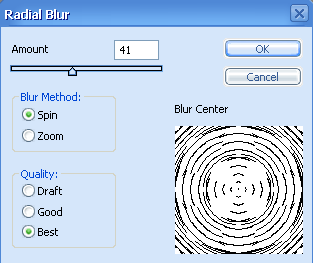
This is what I got after the radial blur filter.

Click to enlarge
Step 3: Now go to Filters>Sketch>Basrelief and use the following settings
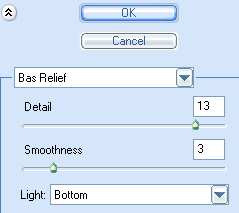
There we go we have a rippling water effect.

Click to enlarge
