Let's learn to create a shiny XBOX gem.
Step 1: Start a new document of size 300x300 pix. Fill the layer with this color (#335A00).

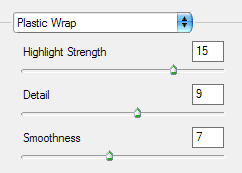
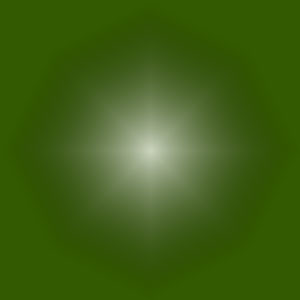
Step 2: Go to Filter>Artistic>Plastic Wrap and use the following settings
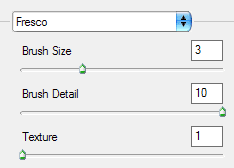
Step 3: Now go to Filter>Artistic>Fresco and use the following settings
This is what I got.
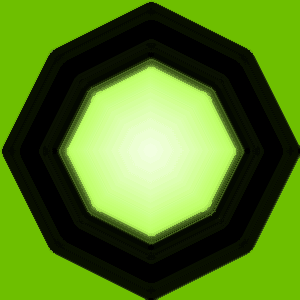
Step 4: Now select the side green portion using the Magic Wand tool
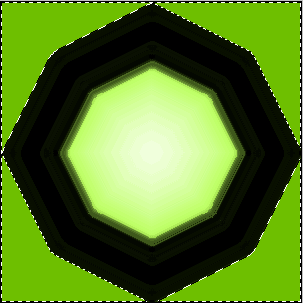
and press delete. This will clear the area and we get our final result as this,
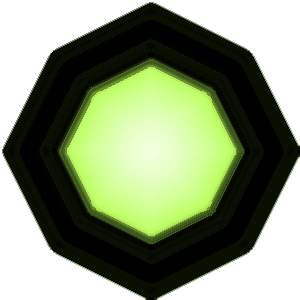
Step 5: You can use this in your interface or as an avatar or anything for that matter