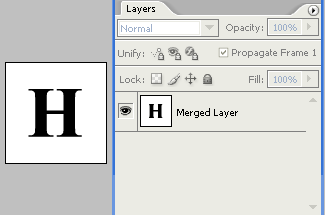
1. Create a new document and place some black text on a white background. It's important that the text and white background are merged into 1 layer, to this by pressing 'CTRL & E'.
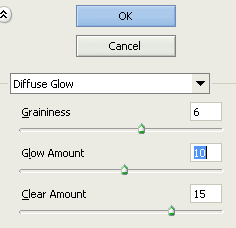
2. Click 'Filter' > 'Disport' > 'Diffuse Glow' and enter these values:
3. Now add some color using 'CTRL & U' - this brings the hue/saturation dialog up, were you're able to change the color values.