1. Open a new document (i used 300x300 - white background) any settings will do.
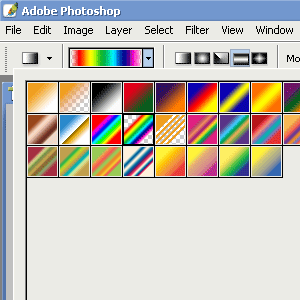
2. Select the Gradient tool, and use these options:
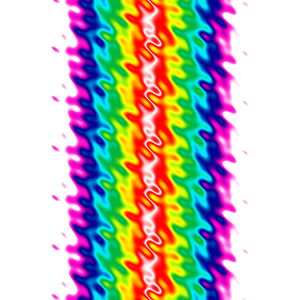
3. Now click the middle of the document using the Gradient tool, and drag outwards 1/4 of the document size. You should get something like..

4. Click Filter > Distort > Ripple (amount:850% size:medium) hit enter and your done.