


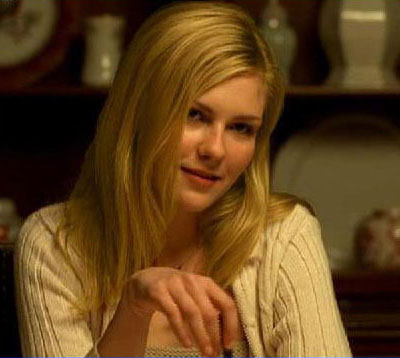
1. Open up Photoshop, and insert a Jpeg image of the person who’d like to change their hair color
2. Insert a new layer: [ctrl] + [shift] + [n]
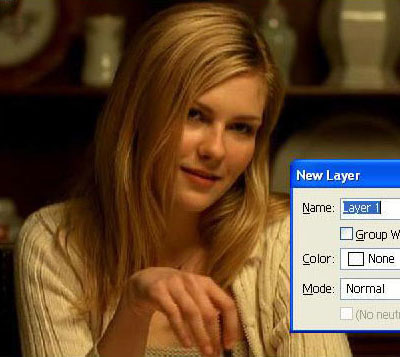
Click to enlarge
3. Cover her hair with a color that’s easy to pick out from the current
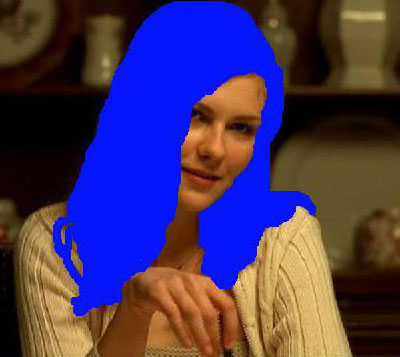
Click to enlarge
4. Now make it opaque, till it looks kind of natural, change the color to suit the needs, the possibilities are endless...
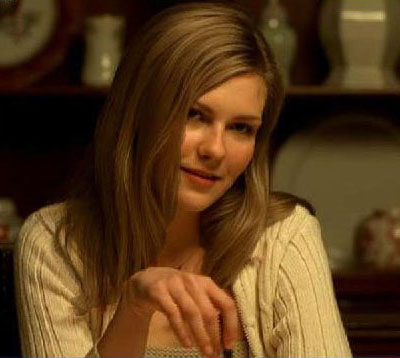
Click to enlarge
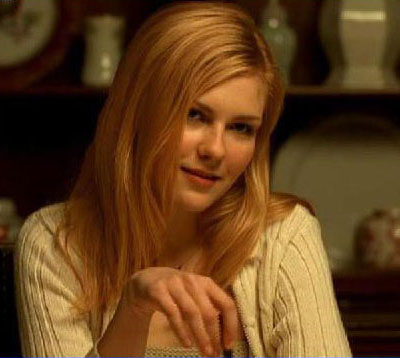
Click to enlarge
Click to enlarge
