1. Make a 500x500 white document and color it black
2. Select the gradient tool and use these settings

Click to enlarge
3. Now go wild, but go wild in one spot on the image, I chose the middle
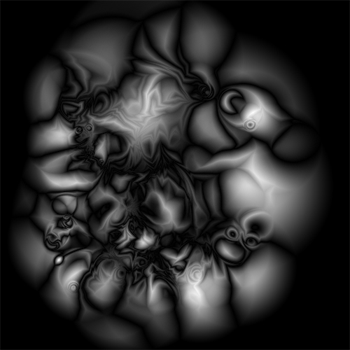
4. Filter -> Distort -> Wave ( With the default settings )
5. Hold CTRL + I ( To invert the layer color ) and then CTRL + J ( To duplicate the current selected layer ) - Change the duplicated layer's blending mode into ' Lighten '
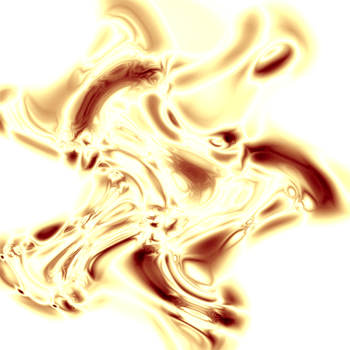
6. With a little bit of coloring, this is what I got