1. Open up a 500x500 white document and select the Gradient tool with these settings

Click to enlarge
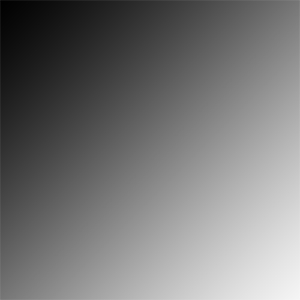
2. Now from the top left corner, drag your mouse down to the bottom right corner and you'll have something like this
3. Filter -> Liquify and use the ' Forward Warp Tool ' by pressing W and the brush size as 100 - try to smudge the black from the top left corner to the middle of the image
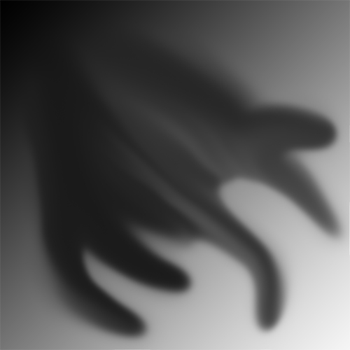
4. Filter -> Distort -> Wave and use the default settings
Now go to Filter -> Sketch -> Chrome with the default settings
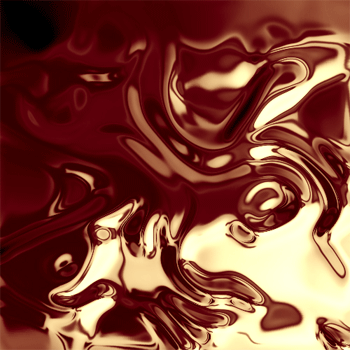
5. With a little bit of coloring, this is what I got