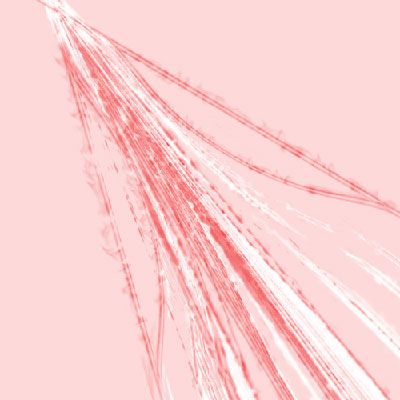
1. Make a new document, 600x600 White
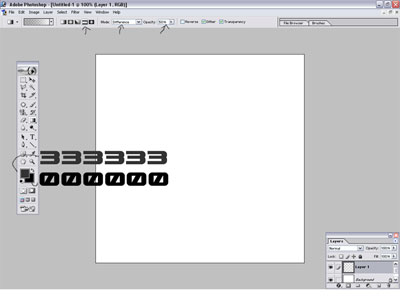
2. Select the gradient tool and use these settings with these colors
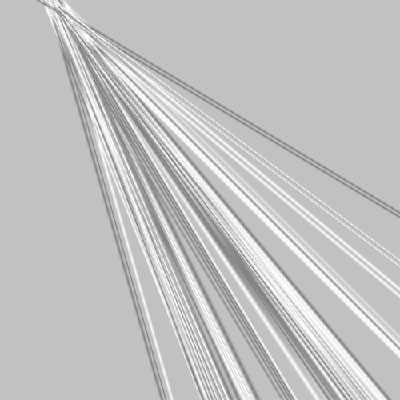
3. Pick a side , I used the top left, once you made a choice just click and drag about 5mm of your screen and keep doing that until you have something like mine and press and hold CTRL + I
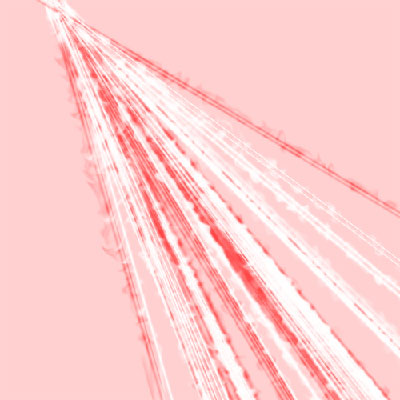
4. Duplicate the layer and change the blending mode into screen, Filter -> Distort -> Ripple use the default settings and press CTRL + F five or six times.
5. Change both of the layers colors, hold and press CTRL + U to do so.
6. Once you are done, merge both layers together, duplicate it and change the duplicated layer's blending mode into Darken.
7. Filter -> Distort -> Pinch with these settings
Pinch : 100+
8. You can repeat Step 4 to Step 7 for more details!