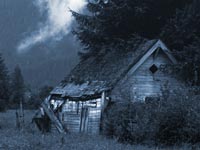
1. Start with your image in RGB mode
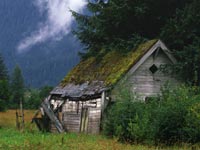
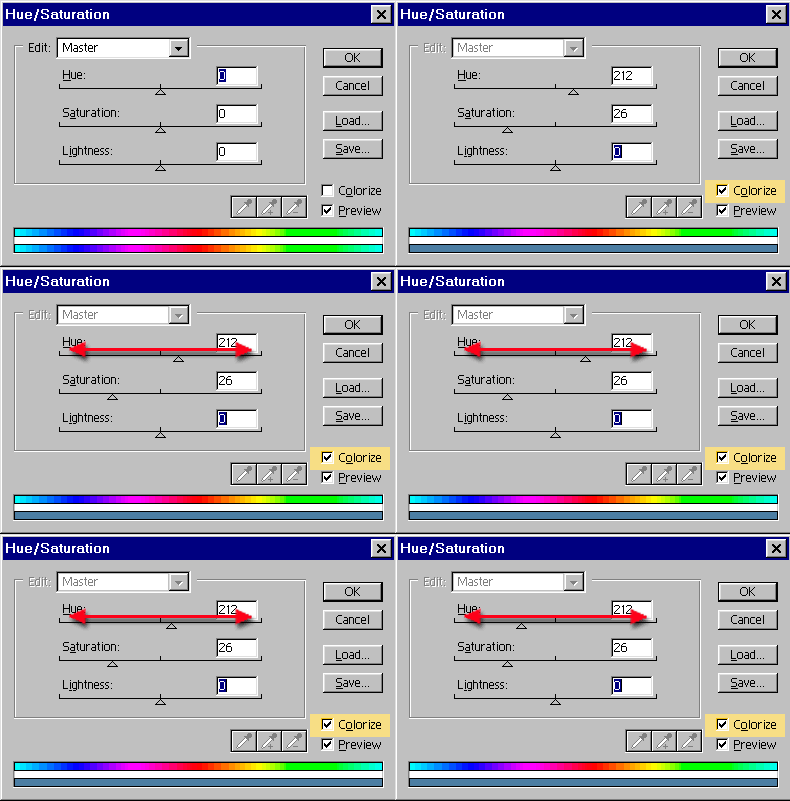
2. Open the Hue/Saturation box Ctrl/Cmd+U
Click the colorize box.
Slide the hue slider to change the color hue. That simple!
You can adjust the Saturation if you want. To the left, less color, to the right more. Too easy!
3. The result!