Ok very simple blood effect on text instead of trying to find a font that looks like blood because they are all rather lame and no realistic
1. Make a new document i used 420x120
2. G et your text tool and type your desired text
3. Hold ctrl and click the text layer, then (without holding ctrl) hit Q
4. Image > rotate canvas > 90CW
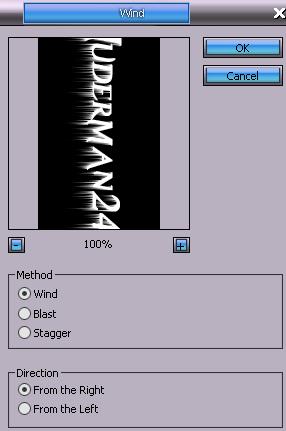
5. Filter > stylize > wind
6. Image > rotate canvas > 90CCW
7. Hit Q again and then select the background layer
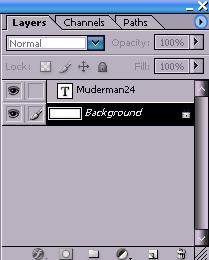
8. Select the shade of red for your blood as your foreground color
9. Alt+backspace till you get the amount of blood you want, ctrl+D (to deselect)
Example: