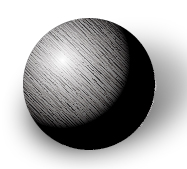
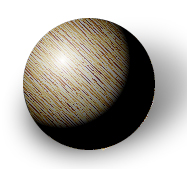
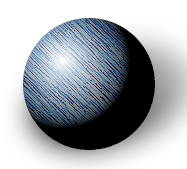
This tutorial will show you how to create a marble texture that you can apply to images to give it a marble surface effect. Let's Begin.
1. Open a new document 250 x 250 white background.
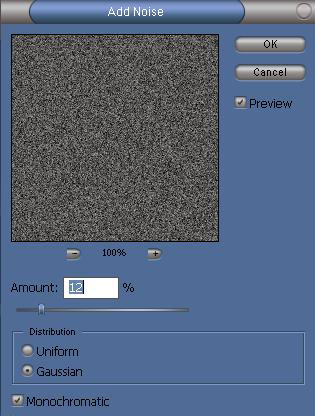
2. Filter > Noise > Add Noise
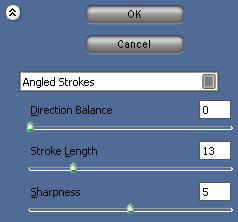
3. Filter > Brush Strokes > Angled Strokes
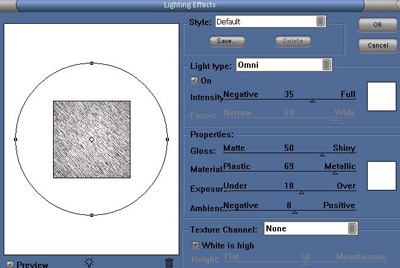
4. Filter > Render > Lighting Effects
Now that we have the texture made....
Edit > Define Pattern (name it what you wish)
There you have a marble surface texture you can apply. This could also be used for a rustic metal look as well, here are some examples: