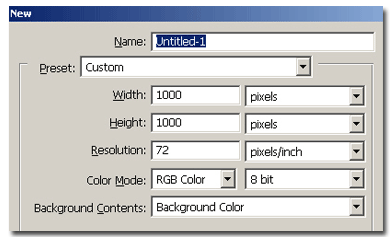
Make a new document, 1000x1000 pixels, white background
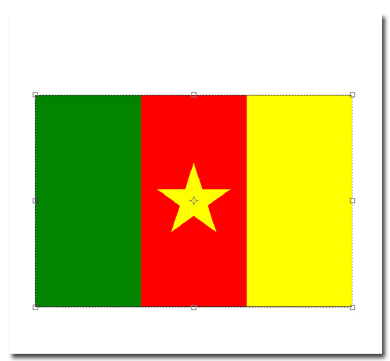
Get the flag you want and add it to the newly created document on a new layer, on a new document.
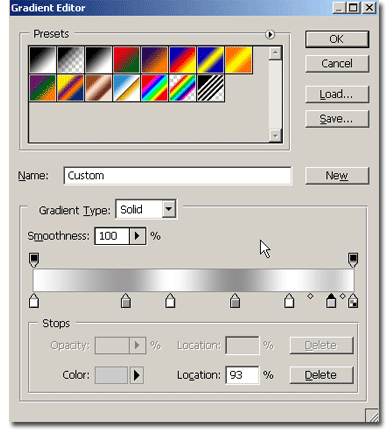
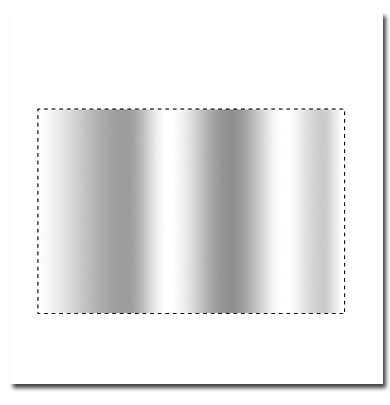
Now CTRL+Click on the flag layer thumbnail to get the selection of the flag and make a new layer above it. On this new layer, apply a gradient like mine.
Your image should look like this, with these layers:
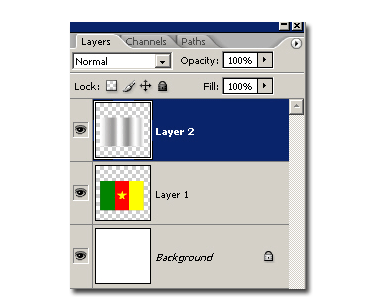
Now set the gradient layer on Multiply mode and merge it with the flag layer. Your image should look like this:

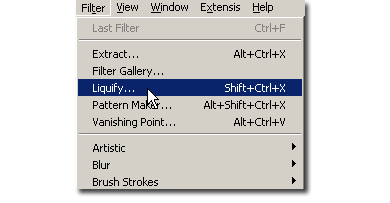
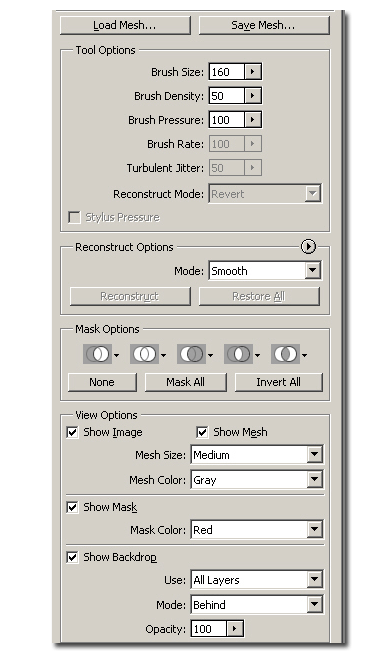
Now deselect and go to Filters>Liquify. These are my settings. Now with the brush drag the dark sides of the flag down and the whiter portions up or inverse. It will need a little practice to get it right. Your image in the liquify filter should look like this:

Now hit OK. Your flag is made. But let's add some more: Hit CTRL+T to enter the free transfer mode then go to distort and distort it's shape as you like.