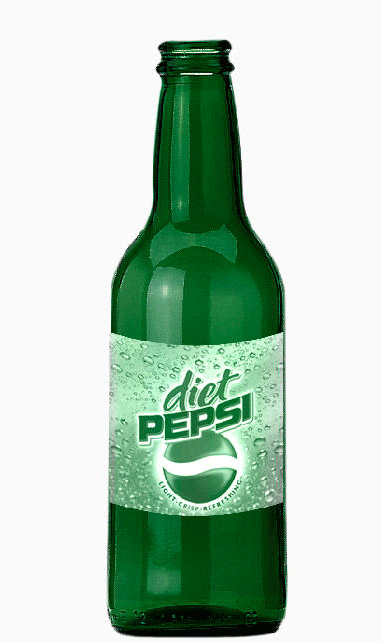
Open the document that contains the bottle you want to modify.
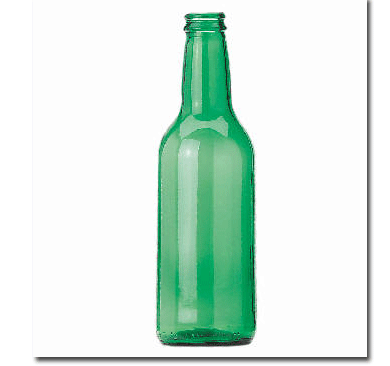
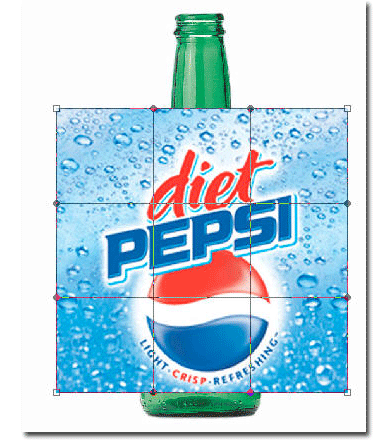
Add to this document the label you want to apply. Here is mine:
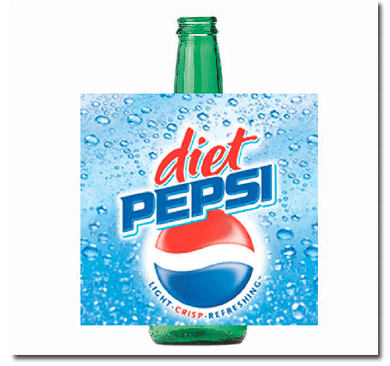
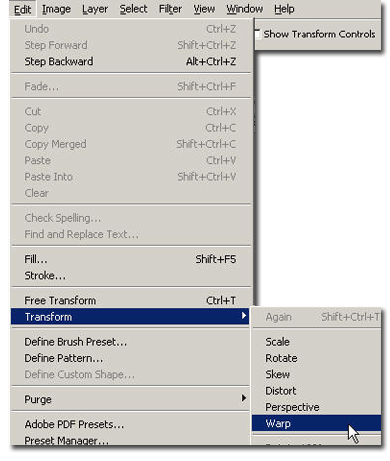
With the label layer selected go to Edit > Transform > Warp. Notice the warp points appearing.
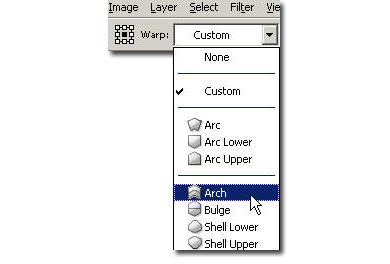
From the drop-down menu select "Arch". Give it a negative value. For me it worked -20%. Here is how it should look like:

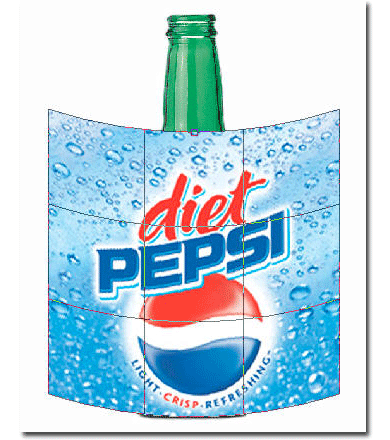
Now scale it to fit the bottle. You're done.