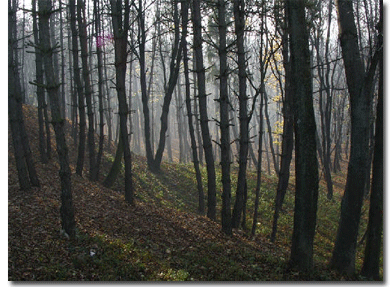
Open your image. Here is mine:
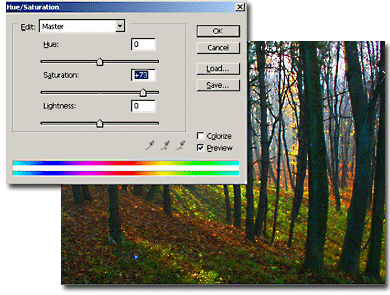
Duplicate the layer and on the duplicate use a little Hue/Saturation to add more color to the photo.
Put the duplicate layer on darken mode from the layer blending mode.
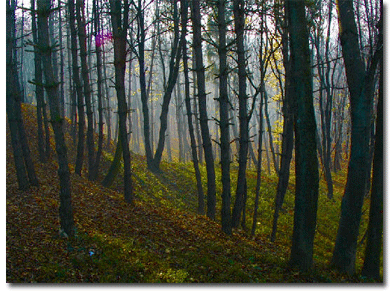
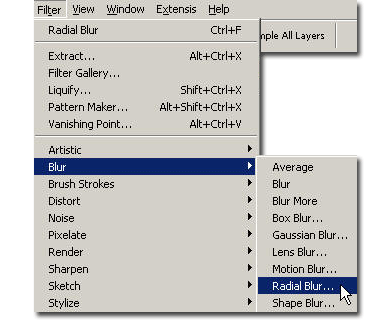
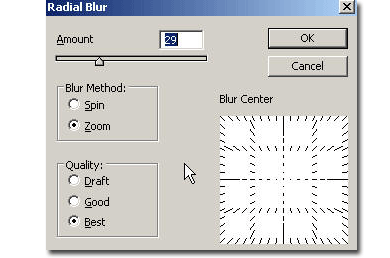
Now go to Filter > Blur > Radial blur and in the settings that appear, use these values: Amount 29 ( it depends on how big is your image), blur method -zoom, quality: best.
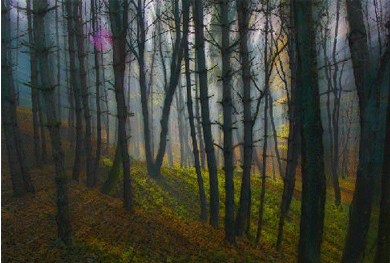
Here is my final result.