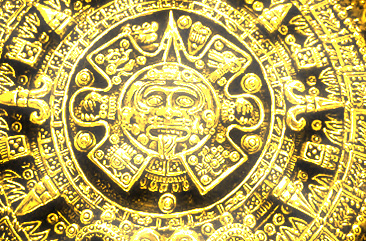
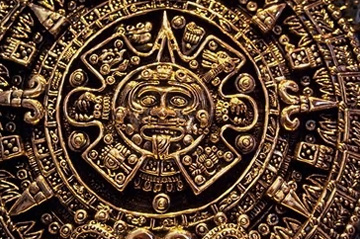
Start by opening a image.
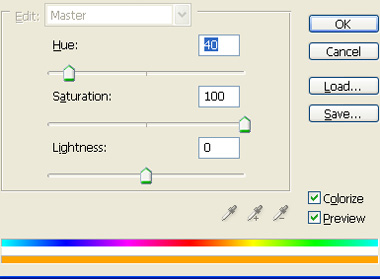
Press Ctrl+U to open hue/saturation window. Apply settings as shown.
Duplicate the layer.
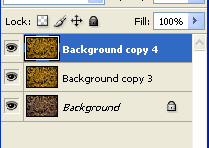
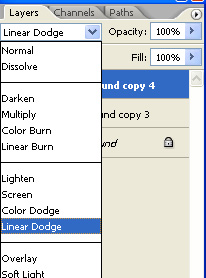
From layer palette change the color mode to linear dodge.
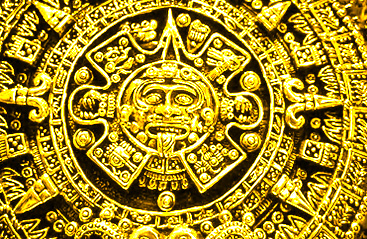
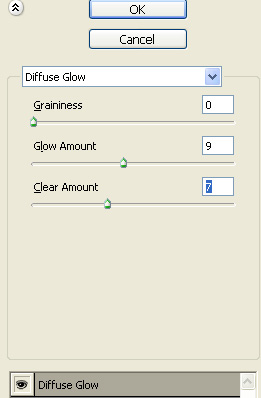
From filter menu select distort>>diffuse glow to add glow.
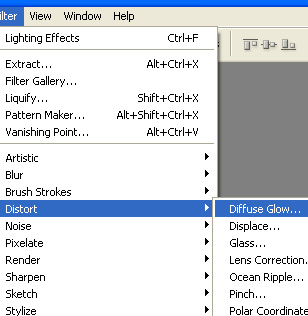
Apply settings as shown.