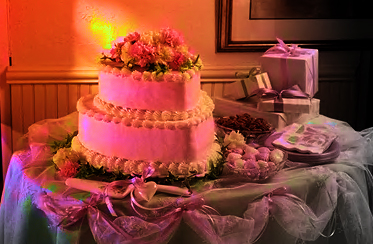
In this tutorial we'll illuminate a normal room shot with some colored light.
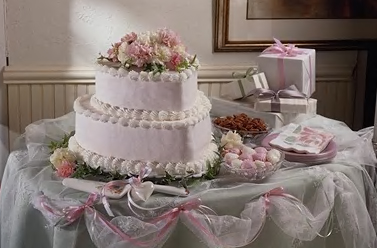
We'll start working with this image.
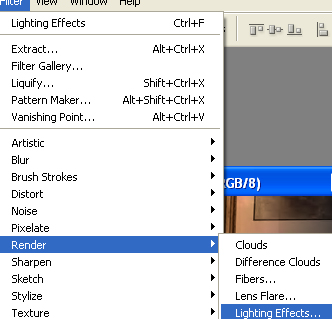
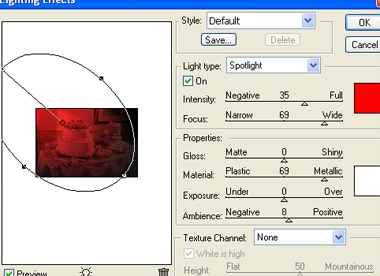
From filter menu select render>>lighting effect.
Use lighting settings as shown. Take any color of your choice.
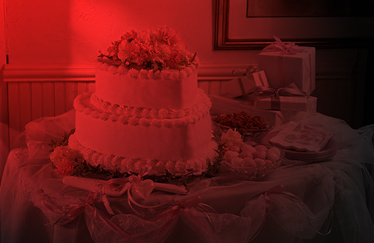
From layer pallete change the color mode to saturation.
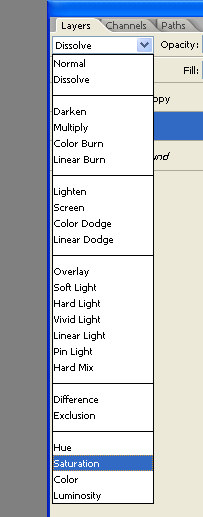
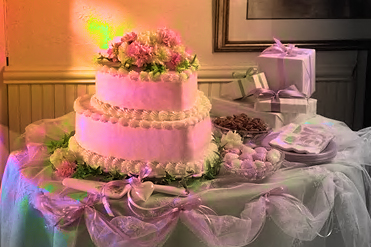
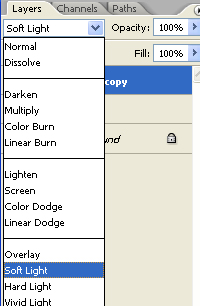
Duplicate the layer and change the color mode to soft light.