Start by opening a new file. Using gradient tool, fill the background with dark brown to green color. We used radial gradient.


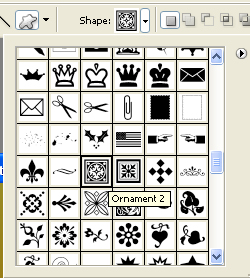
From custom shape tool select ornament 2 shape and create with some different color.
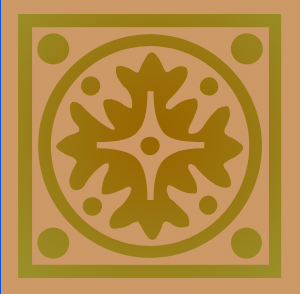
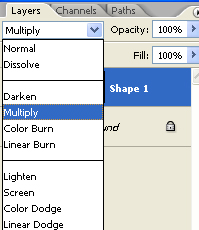
Change the color mode to multiply.
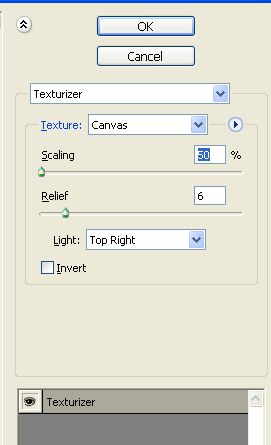
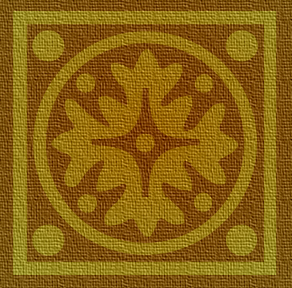
Press Ctrl+E to merge the layers and then form filter menu apply texture>>texturize.
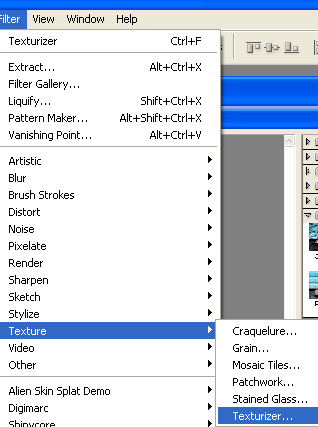
Use a canvas as texture type and apply settings as shown.