


This tutorial was written for the Flash Designer software, which allows you to create flash animations in a much easier way than by using Macromedia Flash. You may get Flash Designer here.
Display external Flash file inside Flash Designer movie
Minimum Flash Designer version 5.0.22.5.
Create main movie:
- Create a new document and set the size to 500 x 400 ("Frame" > "Frame Size")
- Set "Frame 1" to "Stop" ("Frame" > "Frame Delay" and check "Stop", click OK)
- Choose "Movie" > "Insert External SWF File"
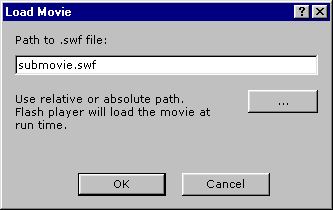
- Type the file path, for example "submovie.swf" (without quotes) and click OK
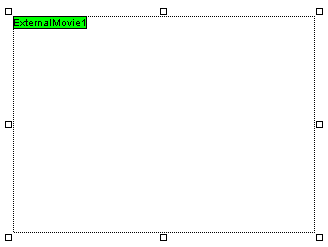
- The movie will appear as blank rectangle
- Export Flash file with 'File' > 'Export SWF File' command to the same folder where your submovie.swf file is located.
Note: the sub movie doesn't work in preview mode, only in HTML page. The sub movie must be available at the same path as the main movie. You have to upload both swf file to your web site.
