Quanfey is Quantum Field Energy. It is also known as Cosmic Energy or Reiki. It pronounses like Quanfee. In this tutorial I have chosen a canvas of 500x400 px with transparent background.
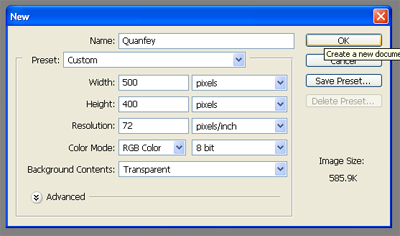
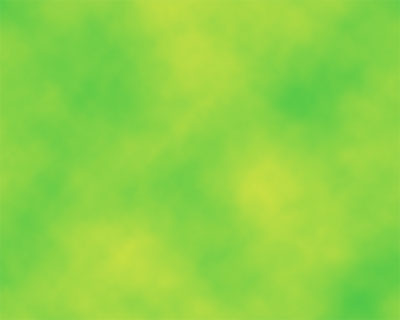
Now chose your primary colour field with #2DC149 and secondary colour field with #E1E442. Now chose the Paint Bucket Tool (G) and then fill up the background. Then add some special effect. Go to: Filter-> Render-> Clouds. Something like this sould come out.
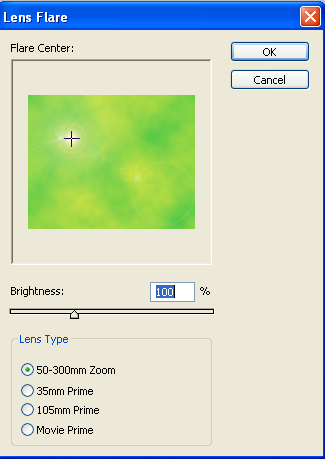
Then you have to add some lighting to it. Go to: Filter-> Render-> Lens Flare.
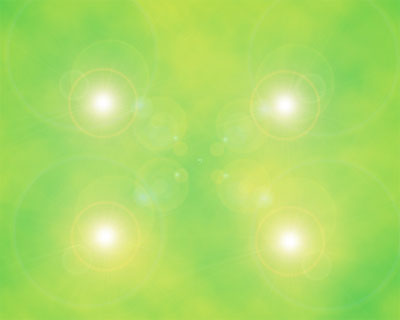
Add three more lens flare one by one in these positions.
You know that energy has no shape and it has to be beautiful as you are giving colours to it :P. So we have to twist it now. Go to: Filter-> Distort-> Twirl.
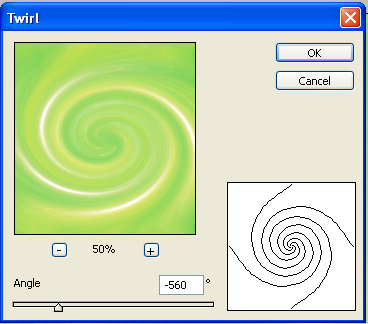
We are nearly done. You know that Quanfey is a radiating energy and it is emitted from our chakras(wheels). So we are going to give it some glowing effect. Go to: Filter-> Stylize-> Wind. First time from right and second time from the other directon or vice-versa.
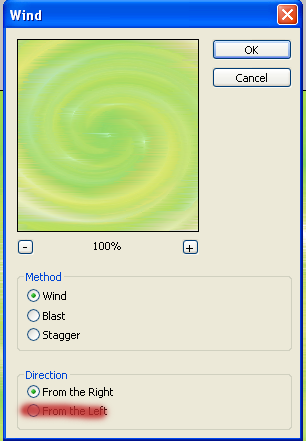
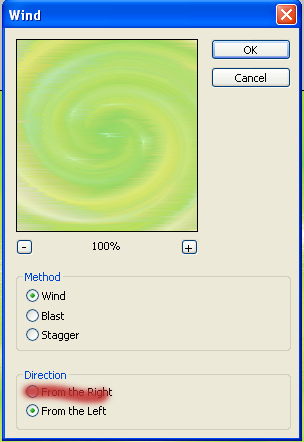
And now you are done. You can cut away your favourite part or use it as a whole.
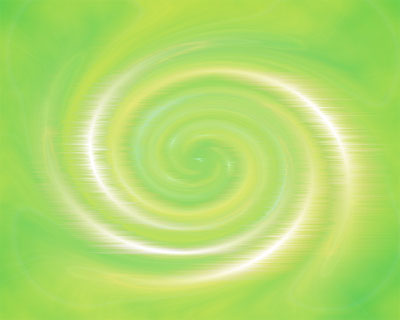
I have just made a sample of a signature of the part I like. Add a black border of 1 px to look it more beautiful