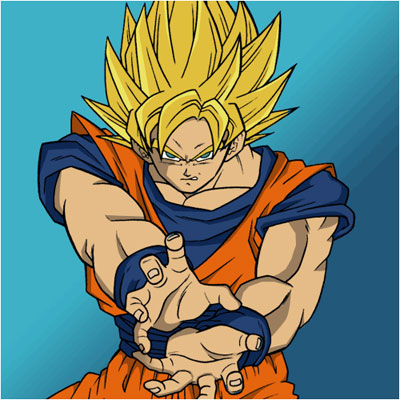
Ever wanted to color those boring black and white anime?
Step 1
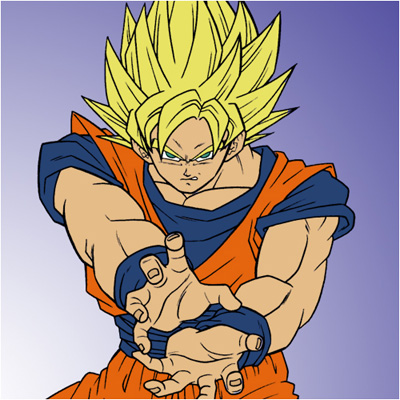
As an example, I've chosen the protagonist from DragonballZ, Goku, which, to me, is the best Anime ever!
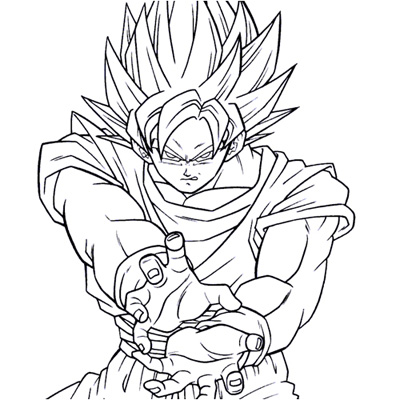
Step 2
First we need to create a random background of a random gradient, then place the drawing on top of it and change the blending-mode to Multiply;
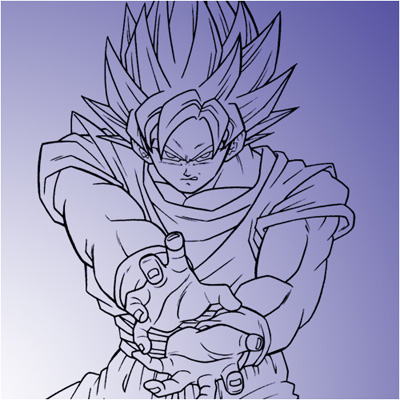
Step 3
Everything we're gonna do takes place under the drawing. Now grab the Magic Wand-Tool and select all the pieces of skin on the top layer. Select your first piece of skin and then HOLD SHIFT to select multiple area's.
NOTE: If you have a wacom or a drawing-tablet like me, you could also use this. Remember to still color on a layer under the lines... Even though I have a wacom, I still use the magic wand-tool to show you how the result should be!
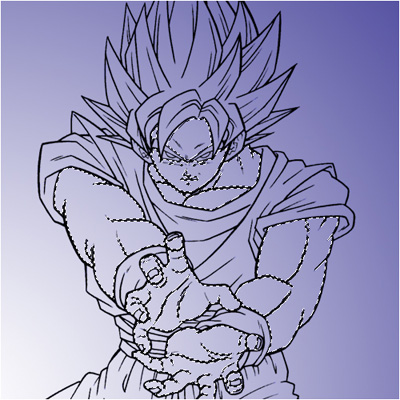
Step 4
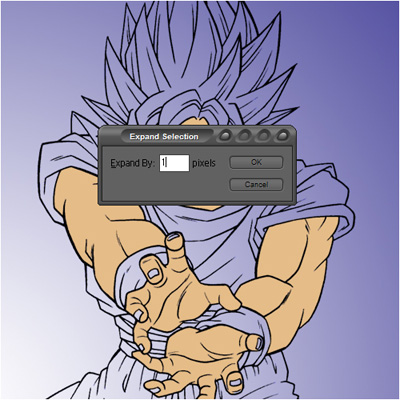
Then go to Select>Modify>Expand and expand the selection by 1 pixel;
NOTE: We do this because then the colors touch the lines, other wise they don't!
Step 5
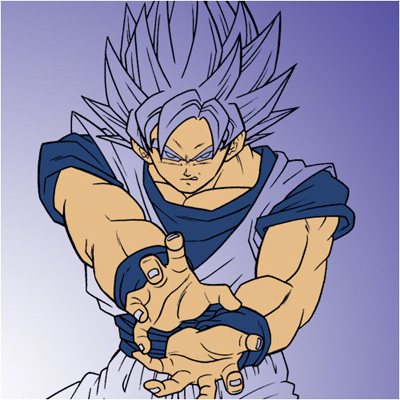
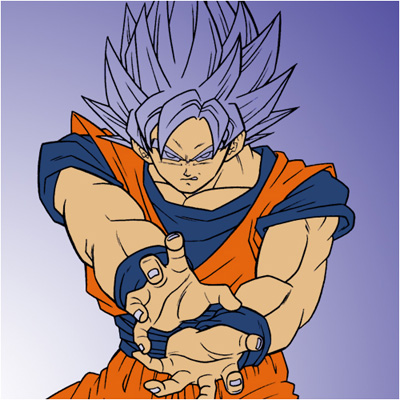
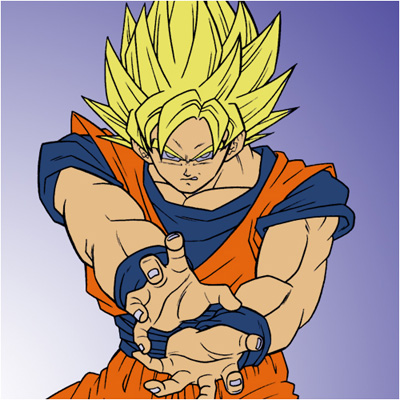
Do this with all the colors and place them all on different layers under the lines.
Step 6
If you want to add some nice shadow as well, my advice is that you follow my Adding a Shade...