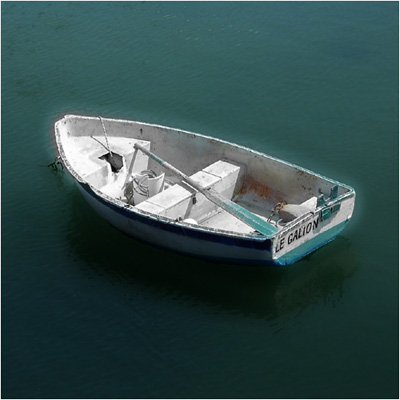
Create a turquoise(green-blue) duotone!
Step 1
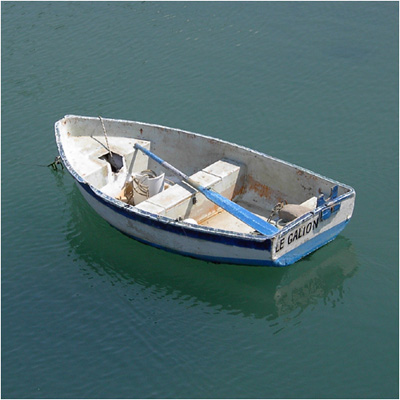
Open up a photograph of a random object
Step 2
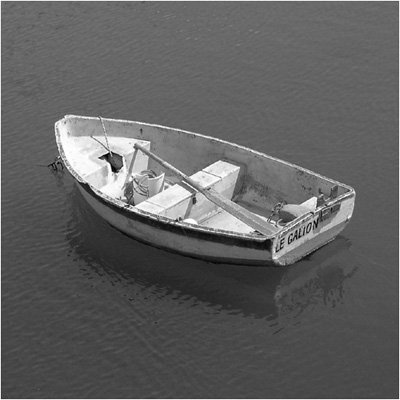
Duplicate the layer and press CTRL+SHIFT+U
Step 3
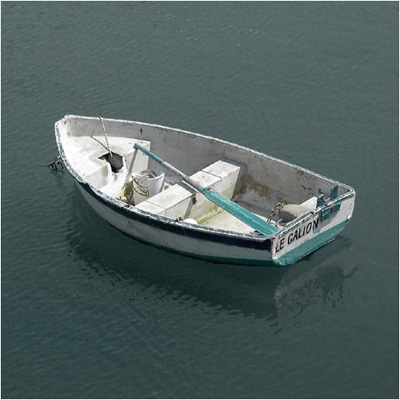
Set the blending-mode to darken
Step 4
You could also add the dream-blur from this tutorial...