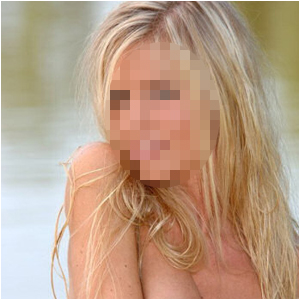
Censor your faces like they do in the news sometimes...
Step 1
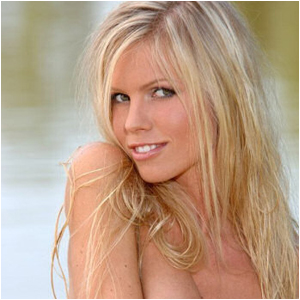
Get out a photograph of someone where you can see the face very clear
Step 2
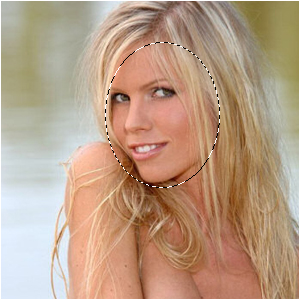
Get the Circular Marquee-Tool and draw a shape around the face
Step 3
Go to Filter>Pixelate>Mosaic and choose something around 5-10!