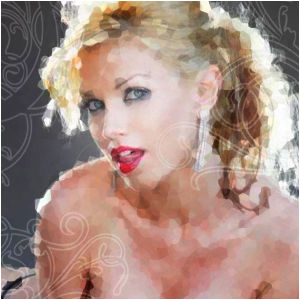
Yeah... so like... This effect is just really random, but it works great on photo's!
Step 1
Open up a new image any size get out your photograph

Step 2
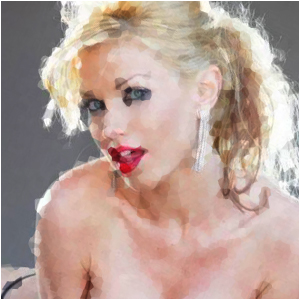
Duplicate the layer and go to Filter>Pixelate>Crystalise and choose a quite small amount. Then set the layer to overlay or multiply.
Step 3
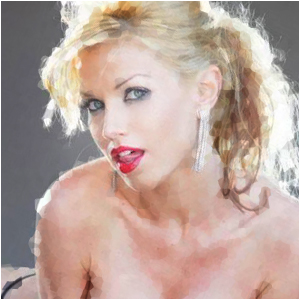
Select a small piece of the face and press delete
Step 4
For an extra vibe, duplicate the layer or add ornaments!