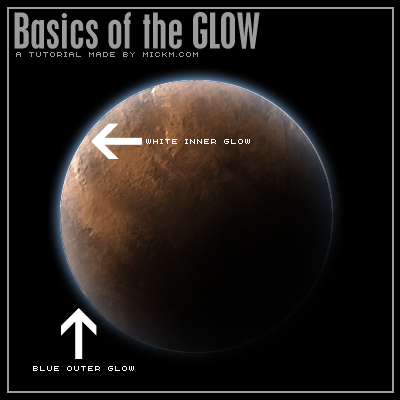
Everyone has to know the basics of the glows...
Step 1
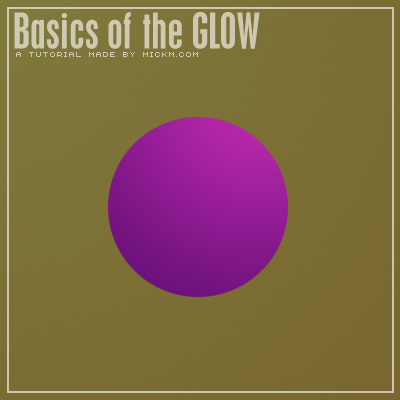
Open up a new document with a basic shape in it on a new layer
Step 2
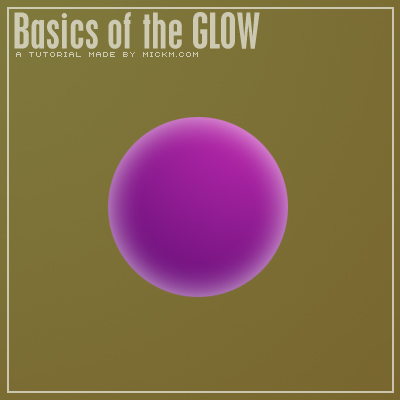
You can give this shape several layer-styles including 2 different glows. Each glow is also different by itself.. If we add a white inner glow the ball looks like it is made out of glass.
Step 3
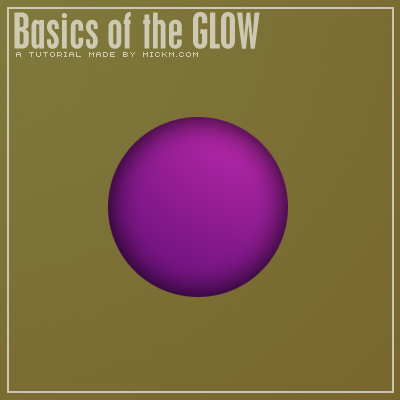
When we give it a black inner glow, the style changes automatically. Now it looks more 3d and round.
Step 4
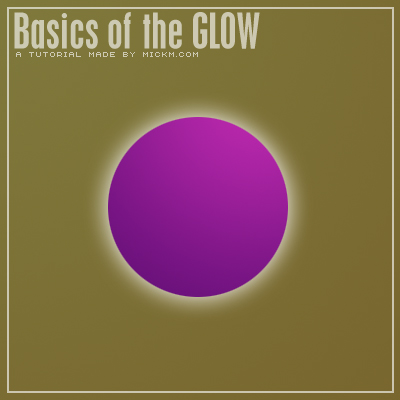
The same goes for outer glows. If you have a white glow, it looks like it's really glowing.
Step 5
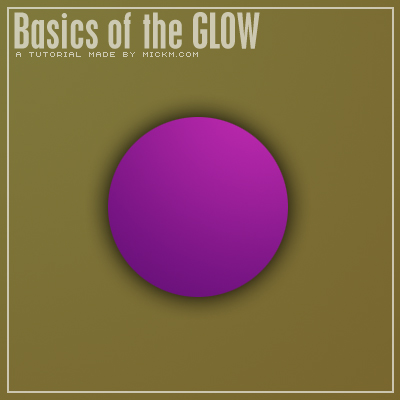
But when you have a black outer glow, it looks more like a shadow behind it.
Step 6
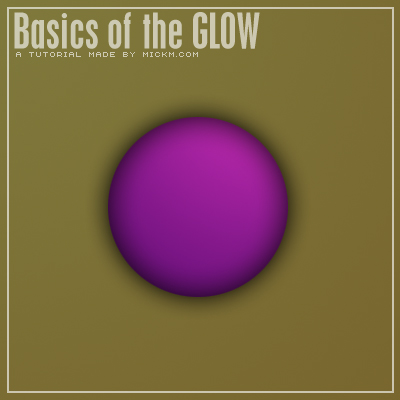
Combine both black glows and you will get an even more realistic approach of the orb.
Step 7
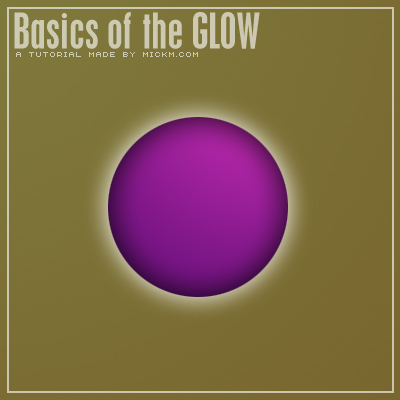
Combine the white and the black glow and you will get a glowing ball...
Step 8
You can also duplicate the orb and blur it to give it a nice outer glow. That way, you can make multiple glows..
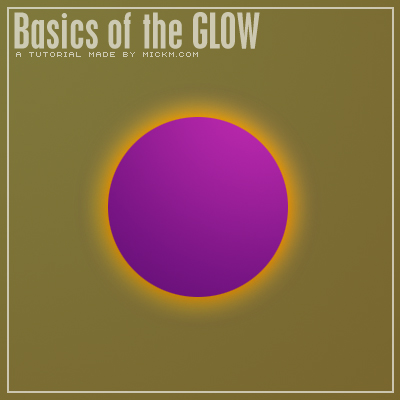
Step 9
The sizes variable also of course as you can see in the example below.
You can give really realistic effects with the glows if you wanna go for a realistic approach.
If that's not your goal, then it has tons of other various outcomes.
My advice is just to experiment with the glows